Every business runs on internal tools. Admin panels for managing users. Dashboards for monitoring operations. Forms for processing requests. These tools rarely face customers but consume significant development time when built from scratch.
Low-code platforms promise faster development by providing pre-built components, visual builders, and simplified data connections. The trade-off involves platform lock-in, feature limitations, and recurring subscription costs. Understanding when these platforms make sense and which one fits your needs enables better build-vs-buy decisions.
The Internal Tools Problem
Internal tools share common characteristics that make them both essential and frustrating:
Essential but not differentiating - Customer support cannot function without a ticket management interface, but building one does not create competitive advantage.
Constantly evolving - Business processes change, requiring tool modifications. Technical debt accumulates rapidly.
Lower quality tolerance - Internal users accept rougher edges than customers, leading to deferred improvements.
Opportunity cost - Every hour spent building admin panels is an hour not spent on customer-facing features.
Low-code platforms address these issues by accelerating development and reducing maintenance burden. The question becomes whether a particular platform fits your specific needs.
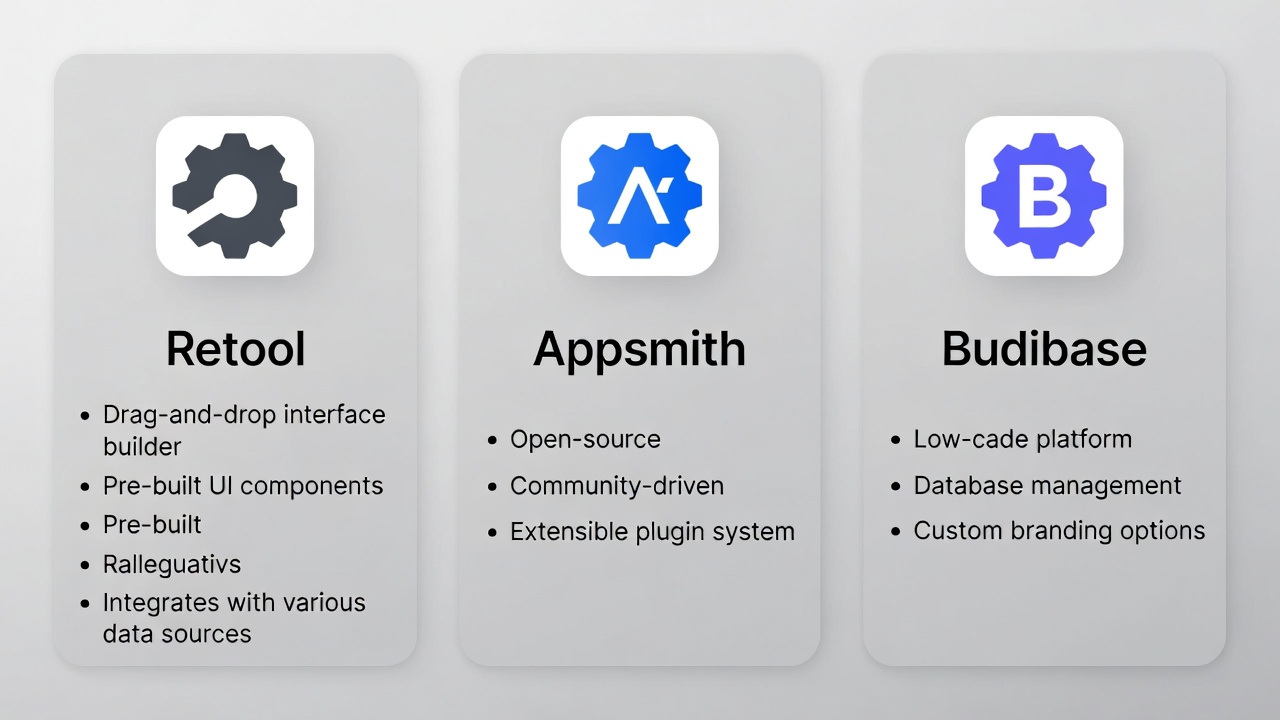
Retool: The Enterprise Standard
Retool pioneered the modern internal tools category and remains the market leader for enterprise deployments.
Core Capabilities
Visual builder: Drag-and-drop components connected to data sources. Tables, forms, charts, buttons, and custom components assemble into functional applications.
Data connectivity: Connect to virtually any data source:
- PostgreSQL, MySQL, MongoDB, and other databases
- REST APIs and GraphQL endpoints
- Google Sheets and Airtable
- Salesforce, Stripe, Twilio, and dozens of SaaS integrations
JavaScript extensibility: Write custom logic where visual configuration falls short:
// Query transformation
const processedData = data.map(row => ({
  ...row,
  fullName: `${row.firstName} ${row.lastName}`,
  status: row.isActive ? 'Active' : 'Inactive',
}));
return processedData;
Workflows: Automated processes triggered by schedules, webhooks, or application events.
Pricing
| Plan | Cost | Limits |
|---|---|---|
| Free | $0 | 5 users, limited features |
| Team | $10/user/month | Standard features |
| Business | $50/user/month | SSO, audit logs, permissions |
| Enterprise | Custom | Self-hosting, advanced security |
Retool becomes expensive at scale. 50 users on Business tier costs $30,000 annually.
Strengths
Maturity - Years of development with extensive feature set.
Data source breadth - Connects to almost anything.
Component library - Rich set of pre-built components.
Enterprise features - SSO, audit logging, granular permissions.
Community - Large user base with resources and examples.
Limitations
Cost - Per-user pricing adds up quickly.
Learning curve - Power features require significant learning.
Vendor lock-in - Applications are not portable.
Performance - Complex applications can become slow.
Self-hosting complexity - Enterprise self-hosted option adds operational burden.
Appsmith: Open-Source Alternative
Appsmith provides similar capabilities to Retool with open-source availability.
Core Capabilities
Visual development: Component-based builder with similar paradigm to Retool. Widgets, queries, and JavaScript combine to create applications.
Self-hosting: Run Appsmith on your own infrastructure with full data control:
# Docker deployment
docker run -d --name appsmith \
  -p 80:80 \
  -v "$PWD/stacks:/appsmith-stacks" \
  appsmith/appsmith-ee
Git integration: Version control applications with Git, enabling branching, pull requests, and deployment workflows.
JavaScript support: Write business logic within the platform:
// Conditional visibility
{{currentRow.status === 'pending' ? true : false}}

// API response transformation
{{API1.data.users.filter(u => u.role === 'admin')}}
Pricing
| Plan | Cost | Notes |
|---|---|---|
| Community (self-hosted) | Free | Full features, unlimited users |
| Business | $40/user/month | Cloud hosted, premium support |
| Enterprise | Custom | Advanced security, dedicated support |
Self-hosted community edition provides remarkable value for teams with infrastructure capabilities.
Strengths
Open source - Full transparency, community contributions, no vendor lock-in.
Self-hosting - Complete data control without cloud dependency.
Git workflows - Familiar version control for development teams.
Cost efficiency - Free self-hosted option for unlimited users.
Active development - Regular updates and new features.
Limitations
Fewer integrations - Less extensive connector library than Retool.
Smaller community - Fewer resources and examples available.
Self-hosting overhead - Requires infrastructure management.
Less polish - Some rough edges compared to Retool.
Budibase: Simplicity Focus
Budibase emphasizes simplicity and rapid development for straightforward applications.
Core Capabilities
Database-first approach: Build applications starting from data structure. Budibase includes a built-in database or connects to external sources.
// Built-in database with simple schema
{
  "table": "orders",
  "schema": {
    "customer": { "type": "link", "tableId": "customers" },
    "total": { "type": "number" },
    "status": { "type": "options", "options": ["pending", "shipped", "delivered"] },
    "orderDate": { "type": "datetime" }
  }
}
Automation builder: Visual automation creation for common workflows:
- Trigger on row creation/update
- Send notifications
- Execute external webhooks
- Transform and move data
Design system: Consistent styling with theme support, reducing design decisions.
Pricing
| Plan | Cost | Notes |
|---|---|---|
| Free (self-hosted) | $0 | Unlimited apps and users |
| Cloud Free | $0 | 20 users, 3 apps |
| Premium | $50/month | Unlimited users and apps |
| Enterprise | Custom | Advanced features, support |
Flat pricing rather than per-user makes Budibase attractive for larger teams.
Strengths
Simplicity - Easier learning curve than competitors.
Built-in database - Quick prototyping without external database setup.
Flat pricing - Predictable costs regardless of user count.
Self-hosting - Free unlimited usage when self-hosted.
Rapid development - Fastest path from idea to working application.
Limitations
Less powerful - Fewer advanced features than Retool or Appsmith.
Limited customization - Less JavaScript flexibility.
Fewer integrations - Smaller connector ecosystem.
Simpler applications - Better for CRUD than complex workflows.
Comparison Matrix
| Aspect | Retool | Appsmith | Budibase |
|---|---|---|---|
| Pricing model | Per-user | Per-user or free | Flat or free |
| Self-hosting | Enterprise only | All tiers | All tiers |
| Open source | No | Yes | Yes |
| Learning curve | Steeper | Moderate | Easier |
| Component library | Extensive | Good | Basic |
| Integrations | Most extensive | Growing | Basic |
| JavaScript power | Excellent | Good | Limited |
| Enterprise features | Complete | Growing | Basic |
| Best for | Complex enterprise apps | Technical teams wanting control | Simple CRUD applications |
Choosing the Right Platform
Choose Retool When:
- Budget allows per-user pricing at scale
- Need extensive third-party integrations
- Require enterprise security features (SSO, audit logs)
- Team lacks infrastructure management capability
- Building complex, data-intensive applications
Choose Appsmith When:
- Data sovereignty or self-hosting required
- Want open-source transparency
- Development team comfortable with infrastructure
- Cost optimization is priority
- Need Git-based version control
Choose Budibase When:
- Building simpler CRUD applications
- Want fastest development time
- Prefer flat pricing model
- Team has less technical depth
- Prototyping before more complex implementation
When to Build Custom
Low-code platforms are not always the answer. Build custom tools when:
Highly specialized requirements - Unique workflows that platforms cannot accommodate.
Performance critical - Low-code overhead unacceptable for specific use cases.
Deep integration needs - Tight coupling with existing systems better served by custom code.
Long-term investment - Core tools worth the development investment for full control.
Team preference - Developers may prefer code over visual builders.
Hybrid Approach
Many organizations combine approaches:
Simple admin panels → Budibase (fast, cheap)
Complex operations tools → Retool or Appsmith (powerful)
Customer-facing tools → Custom development (full control)
Implementation Best Practices
Start with Requirements
Document what the tool needs to do before choosing a platform:
- Data sources to connect
- User types and permissions needed
- Workflows to automate
- Integration requirements
- Anticipated complexity
Prototype First
Build a minimal version to validate platform fit:
- Does it connect to your data sources?
- Can it handle your permission requirements?
- Is the development experience acceptable?
- Does performance meet needs?
Plan for Growth
Consider future needs:
- Will user count grow significantly?
- Will application complexity increase?
- Are there features you will definitely need later?
Document and Train
Low-code does not mean no documentation:
- Document application logic and workflows
- Create user guides for end users
- Establish development standards
- Plan for knowledge transfer
Migration Considerations
If you outgrow a platform or need to switch:
Data portability - Export data from built-in databases. External database connections simplify migration.
Logic reconstruction - Visual logic must be rebuilt. Document complex workflows.
User transition - Plan training and transition period.
Parallel operation - Run old and new systems simultaneously during migration.
Real-World Scenarios
Customer Support Dashboard
Requirements:
- View and search support tickets
- Update ticket status and assignment
- Access customer order history
- Send templated responses
Recommendation: Any platform works. Choose based on existing data sources and team preference.
Inventory Management
Requirements:
- Track stock across locations
- Generate purchase orders
- Integrate with shipping providers
- Complex approval workflows
Recommendation: Retool or Appsmith for workflow complexity and integration needs.
Simple Expense Tracking
Requirements:
- Submit expense reports
- Manager approval
- Export for accounting
Recommendation: Budibase for speed and simplicity.
Multi-Tenant SaaS Admin
Requirements:
- Manage customer accounts
- Usage analytics
- Billing integration
- Support tools
Recommendation: Retool for enterprise features or custom build for full control.
Low-code internal tools platforms offer genuine productivity gains for appropriate use cases. The key is matching platform capabilities to actual requirements rather than defaulting to the most popular option or building everything custom. Thoughtful evaluation leads to faster development, lower costs, and tools that actually serve their users well.