
Most small businesses pick a CRM the wrong way: they Google “best CRM for small business,” read a listicle sponsored by the vendors it’s ranking, and pick HubSpot because it’s free. Three months later they’re locked into a pricing tier that costs $800/month because the free plan lacks the automation they actually need, and migrating out would take weeks.
A CRM is one of the stickiest software decisions a small business makes. Your sales history, contact records, and email sequences all live there. Switching costs are real. The right choice upfront saves significant pain later.
What Small Businesses Actually Need from a CRM
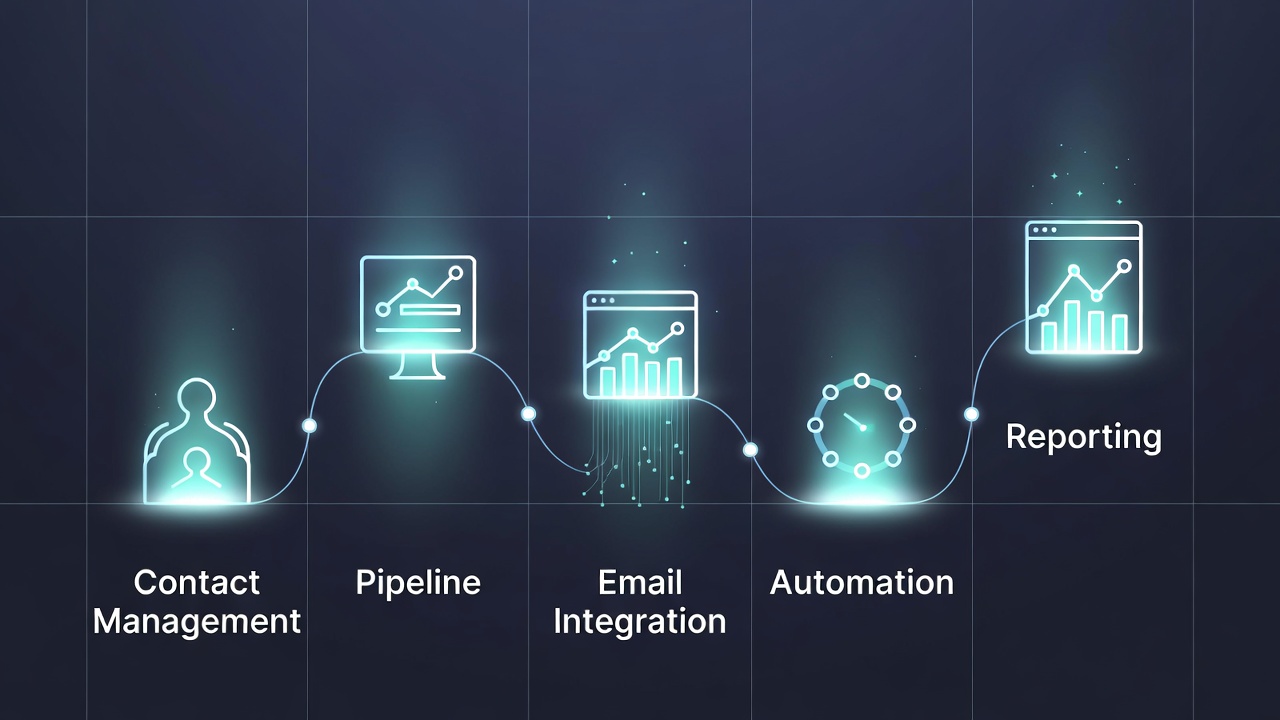
Before comparing tools, define requirements. Small business CRM needs cluster into a few categories:
Contact and company management: Store contacts, track interactions, see full history at a glance. Every CRM does this; the differentiator is how quickly you can find and update records.
Pipeline management: Visual deal tracking across stages. How many deals, how long in each stage, who owns them.
Email integration: Log emails automatically, send sequences, track opens. This is where significant differentiation exists.
Automation: Assign tasks when a deal moves, send follow-up emails on triggers, notify team members on events.
Reporting: Pipeline value, conversion rates by stage, activity metrics per rep.
Integrations: Your billing tool, marketing platform, calendar, Slack.
HubSpot CRM
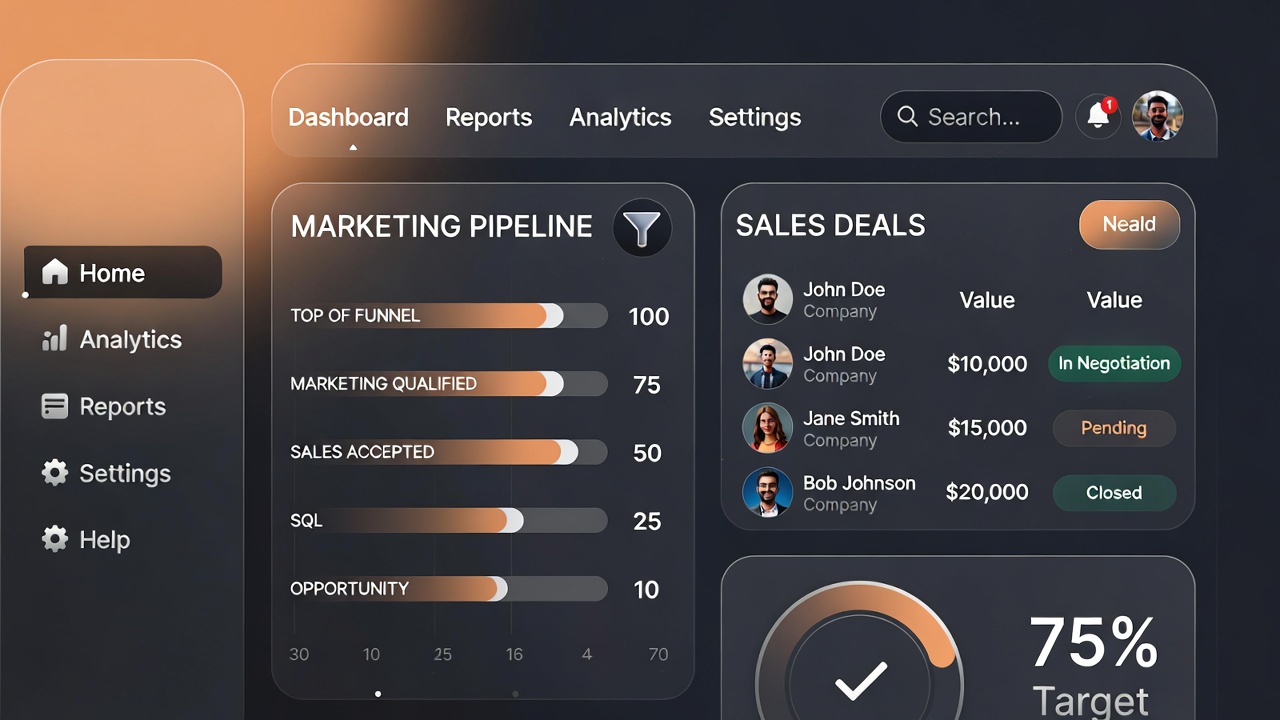
HubSpot’s free tier is genuinely useful: unlimited contacts, basic pipeline, email logging, deals, and a web forms tool. It’s the right choice for early-stage businesses that need to start somewhere without budget.
The catch: HubSpot’s pricing structure punishes growth aggressively. Moving from free to Starter ($15/seat/month) is manageable. Moving to Professional ($90/seat/month), which is required for sequences, automation workflows beyond basics, and proper reporting, is where small teams feel it.
HubSpot wins when:
- You’re also using HubSpot for marketing (the Marketing Hub integration is genuinely valuable)
- You need a free starting point with room to grow
- Your sales process is relatively simple
- You want one vendor for CRM + marketing + service
HubSpot loses when:
- You need email sequences on a budget (requires Professional)
- You want predictable pricing as you scale
- Your team is primarily sales-focused (purpose-built sales CRMs beat HubSpot here)
Pipedrive
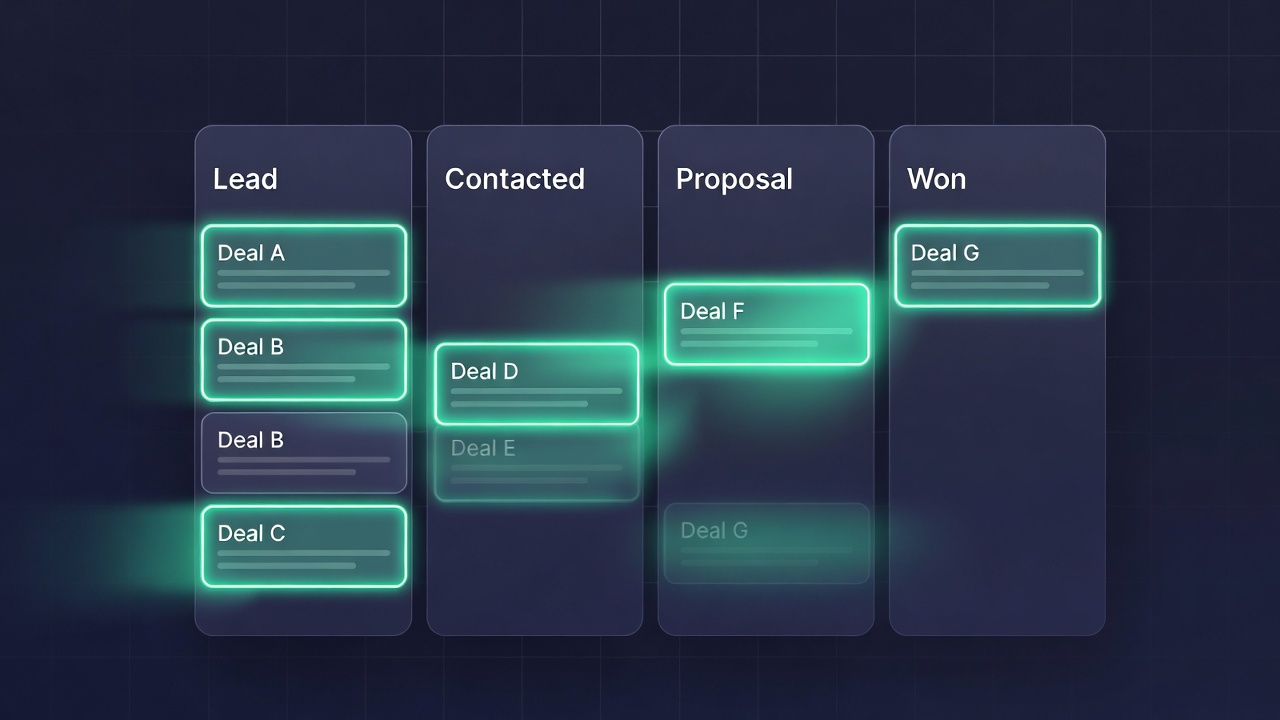
Pipedrive was designed specifically for sales teams. Its pipeline view is the best in the category: visual, fast, and centered around the deals that move your business forward.
Pricing starts at $14/seat/month (Key) with email integration, pipeline management, and basic reporting. Advanced ($29/seat/month) adds email sequences and workflow automation. These price points are significantly more predictable than HubSpot’s growth curve.
The weakness: Pipedrive is sales-focused to a fault. Marketing capabilities are limited; you’ll need a separate tool for email campaigns. The contact database is less rich than HubSpot for non-deal contacts.
Pipedrive wins when:
- You have a defined sales process with multiple stages
- Your team lives in the pipeline view
- You want strong email tracking without enterprise pricing
- You’re a team of 2-20 salespeople
Close CRM
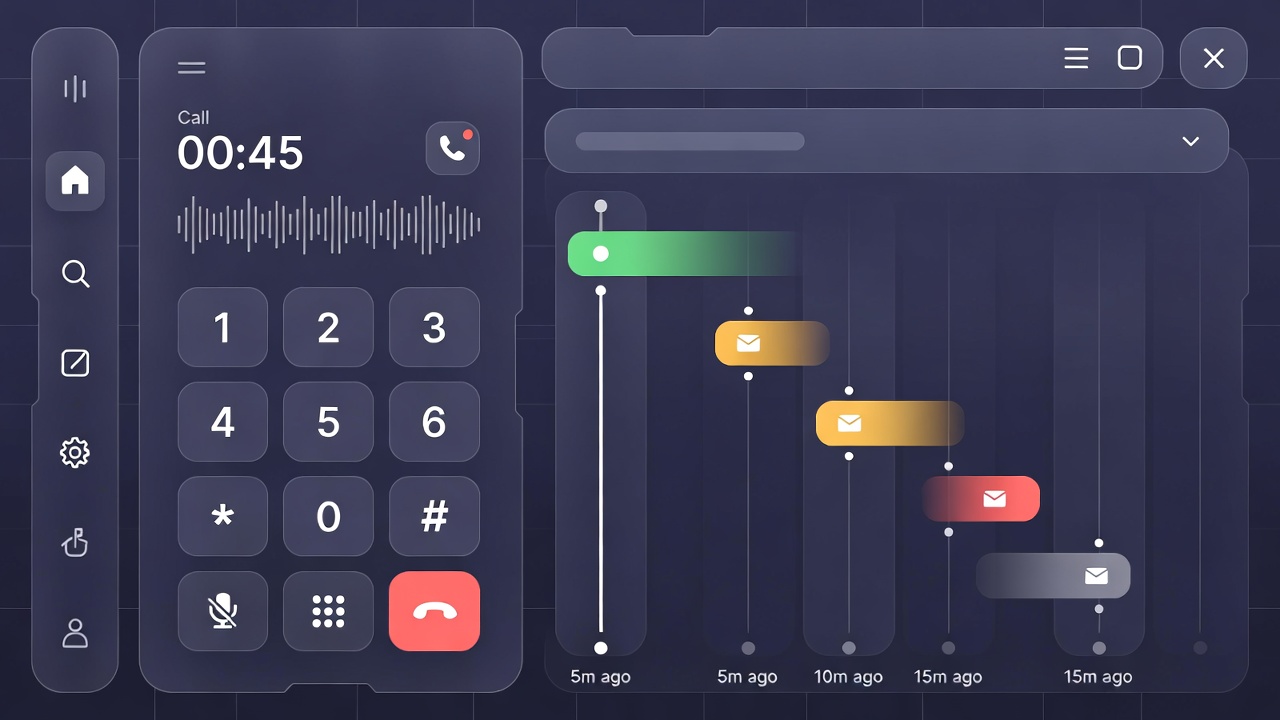
Close is built for inside sales teams that communicate primarily via email and phone. Its built-in calling (VoIP with automatic call recording and logging), SMS, and email sequences make it exceptional for high-volume outreach.
Pricing starts at $49/seat/month, more expensive than Pipedrive at entry level, but Close includes features that would cost $90+/seat in HubSpot. The ROI calculation depends on how much phone-based selling your team does.
Close wins when:
- You do significant phone-based outreach
- You need built-in VoIP with call recording
- You want tight sequence + calling + email in one tool
- Your sales cycle is short and volume is high
Zoho CRM
Zoho offers the most feature-rich CRM at the most aggressive price point. The Standard plan ($14/seat/month) includes workflow automation, email templates, and basic analytics. The Professional plan ($23/seat/month) covers most small business needs.
The trade-off is UX complexity. Zoho’s interface is dense, customization requires learning a proprietary scripting language (Deluge), and the sheer number of features makes onboarding slower. Teams that take the time to configure Zoho properly get significant value; teams that don’t find it overwhelming.
Zoho wins when:
- Price is the primary constraint
- You need deep customization (custom modules, custom fields, automation logic)
- You’re already in the Zoho ecosystem (Zoho Books, Zoho Desk, Zoho Projects)
The Decision Framework
Answer these questions:
1. What’s your sales motion?
- High-volume outreach via phone/email → Close
- Consultative sales with multi-stage pipeline → Pipedrive
- Inbound leads from marketing → HubSpot
2. What’s your budget per seat?
- Under $15/seat → HubSpot Free or Zoho Standard
- $15-$30/seat → Pipedrive Advanced or Zoho Professional
- $50+/seat justified by phone volume → Close
3. What integrations are non-negotiable? Check the native integrations for each platform with your existing tools. A CRM that requires Zapier workarounds for your billing system is more expensive in practice than its sticker price.
4. How much setup time can you invest? HubSpot and Pipedrive are faster to get running. Zoho and Close reward investment in setup. If you need to be operational in a week, that narrows the field.
Migration Considerations
Before committing, verify:
- Data export: Can you export all contacts, companies, deals, notes, and email history in standard formats (CSV, JSON)?
- Import format: Does the new CRM accept structured imports without field mapping gymnastics?
- Email history: Most CRMs cannot import historical email threads, only going-forward logging. Budget for this data loss.
The best CRM is the one your team actually uses. A well-configured Pipedrive that gets logged into daily beats a sophisticated HubSpot setup that everyone ignores after the first week. Start with something simple, build the habit, then add features as needs become clear. +++