A logo is not a brand, but it is often the first signal people see. For startups and small businesses, a professional mark used to cost thousands of dollars and weeks of back-and-forth. In 2026, Ai Logo generators can produce a usable mark in minutes. The risk is that easy tools produce forgettable results.
I have watched founders launch with AI-generated logos that looked fine in isolation and invisible in a crowded market. I have also seen solo founders build credible brands for less than a hundred dollars by using AI for the first draft and then applying real design judgment.
This post explains how AI logo design works, which tools fit different needs, how to turn a logo into a full brand identity, and where to draw the line between AI assistance and professional design help.
What AI Logo Generators Actually Do
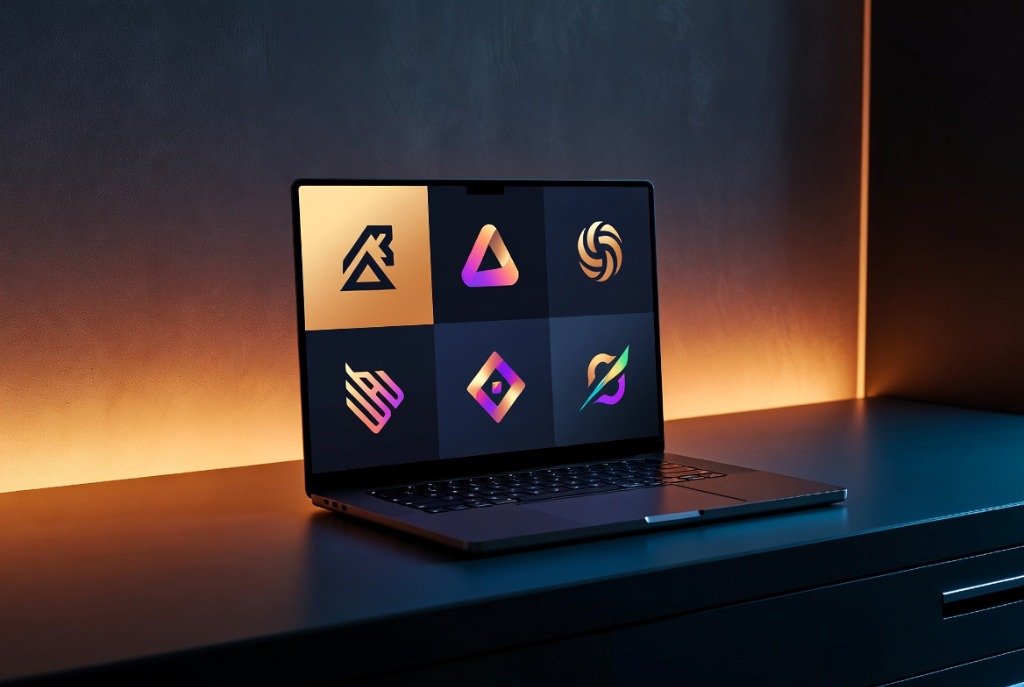
AI logo generators ask for a business name, industry, style preferences, and color choices. They then produce dozens of logo variations based on machine learning models trained on design libraries. Most platforms let you customize fonts, colors, layouts, and icons before exporting files.
The output ranges from template-like to surprisingly polished. Quality depends on the platform’s model, the specificity of your inputs, and how much time you spend refining. The best results come from treating the generator as a concept engine, not a final designer.
For a broader view of AI design and content tools, see our guide to AI content repurposing for small businesses.
Choosing the Right Tool for Your Stage
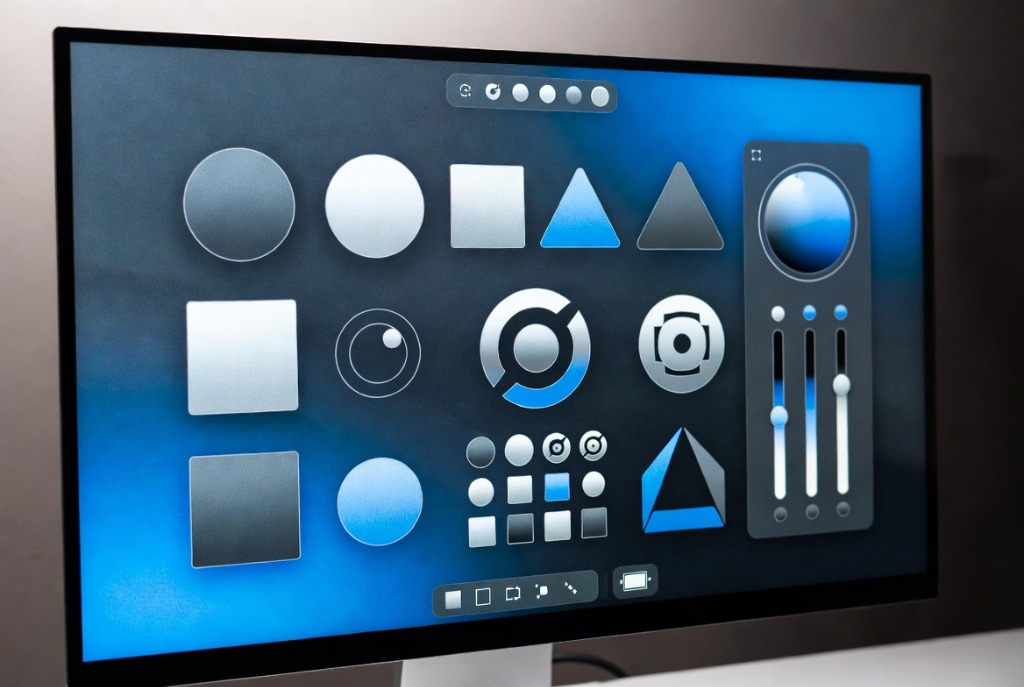
Looka is the strongest option for founders who want a full brand kit. After generating a logo, Looka produces business card designs, social media assets, email signatures, and brand guidelines. Pricing starts around $20 for a basic logo and increases for the full kit.
Tailor Brands offers a complete launch package that includes a logo, website builder, and marketing materials. It is a good fit for founders who want one platform rather than juggling multiple tools. Plans start around $12 per month.
Canva is ideal for teams that want maximum flexibility. Its AI logo generator sits inside a much larger design ecosystem. Canva is the best choice if you plan to create a lot of social content, presentations, and print materials yourself.
Hatchful by Shopify is free and works well for e-commerce entrepreneurs who need a simple mark quickly. It is less customizable than paid options but useful for testing ideas.
For designers who want more manual control, Kittl AI and Design.com offer vector-based editing, custom typography, and advanced export options. These tools sit between pure AI generators and traditional design software.
If you are also working on brand messaging, our guide to the best AI prompts for business owners can help you develop consistent language.
How to Avoid Generic AI Logos
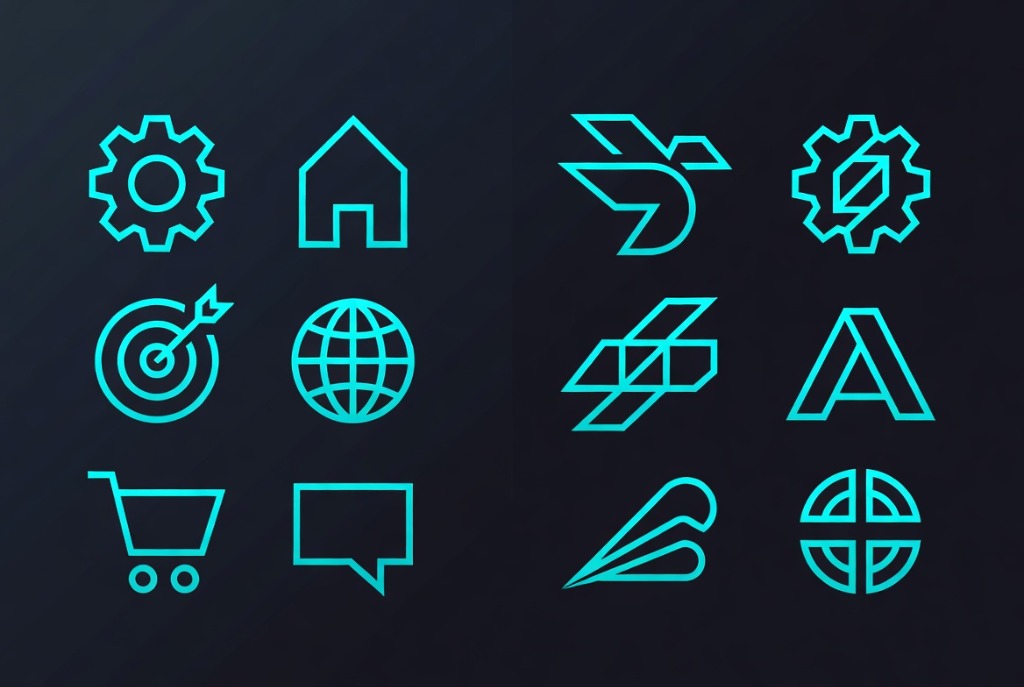
The biggest weakness of AI logo tools is sameness. If ten coffee shops in the same city use the same generator with the same inputs, they will end up with similar marks. Differentiation requires intentional choices.
Start with strategy before you open the tool. Write down three words that describe how you want customers to feel. List three brands you admire and why. Decide what makes you different from competitors. These inputs matter more than color sliders.
Be specific with the generator. Instead of “modern and professional,” try “geometric, high-contrast, friendly but precise, avoids script fonts.” The more constraints you give, the less generic the output.
Generate many options, then walk away. Come back after a day and pick the one that still feels right. First impressions are unreliable.
Test the mark in realistic contexts. A logo that looks great on a white screen may disappear on a dark social profile or a tiny app icon. Export mockups for business cards, websites, and mobile apps before you commit.
Building a Brand Identity, Not Just a Logo
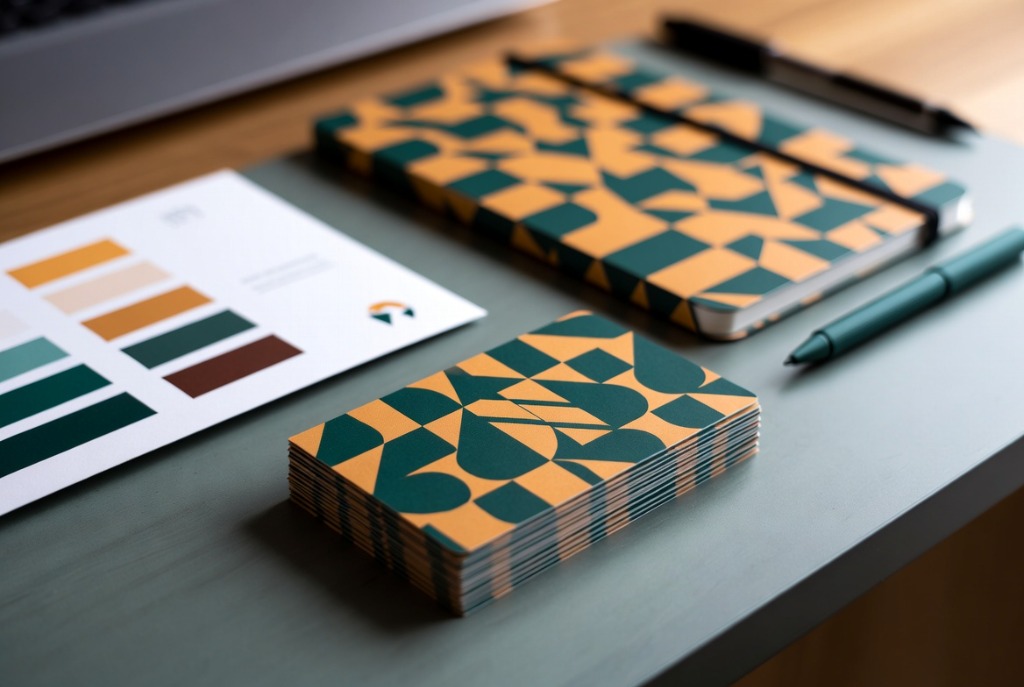
A logo is one piece of a larger system. A brand identity includes colors, typography, imagery style, voice, and usage rules. AI tools can now generate many of these elements together.
Looka’s Brand Kit and Canva’s Brand Hub let you save colors, fonts, and logos in one place. Tailor Brands generates matching marketing materials. These systems help small teams stay consistent across channels.
Define your color palette carefully. AI will suggest colors, but color carries meaning. Blue signals trust. Green signals growth. Red signals urgency. Yellow signals energy. Choose based on your industry and audience, not just personal taste.
Pick no more than two fonts for most use cases. One for headings and one for body text. More fonts create visual clutter. AI tools often default to safe pairings, but you should still review them.
Write a short voice guide. Are you formal or casual? Technical or plain-spoken? Direct or playful? AI can help draft this, but the decisions are yours. Consistent voice matters as much as consistent visuals.
For help applying your brand across social channels, read our guide to using AI for social media.
When to Hire a Human Designer
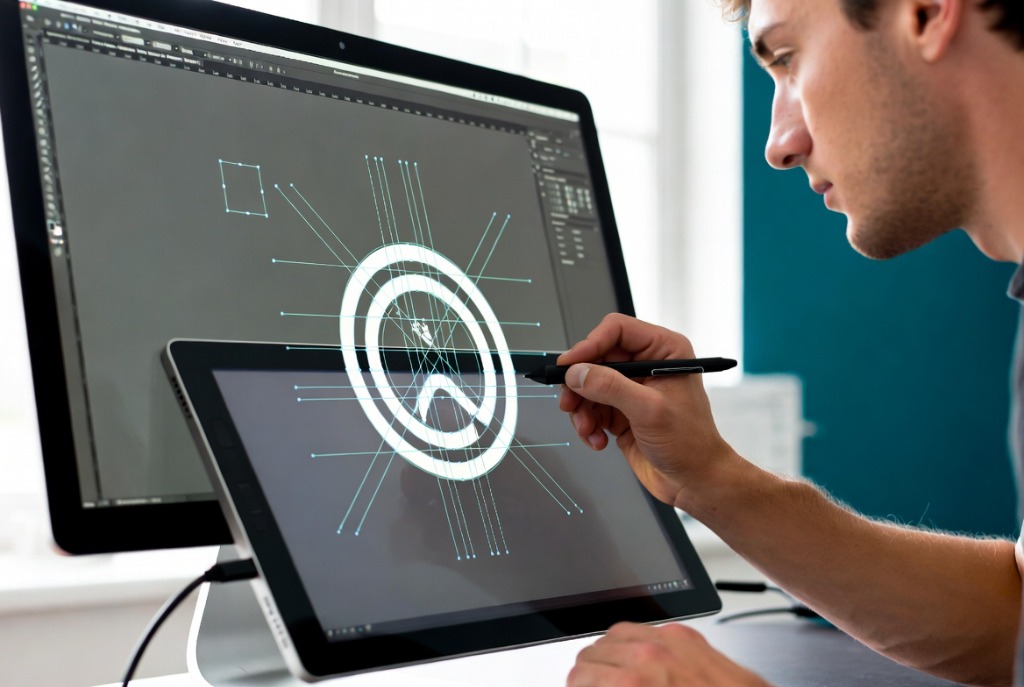
AI logo tools are powerful, but they have limits. Hire a human designer if you need a fully custom mark, complex illustration, trademark research, or a brand system that will scale across many products and markets.
A professional designer will also push back on bad ideas. AI agrees with everything. A good designer will tell you when your preferred color hurts readability or when your name is too long for the mark you want.
If budget is tight, consider a hybrid approach. Use AI to generate concepts and narrow the direction, then hire a designer for a few hours to refine the winner. This cuts cost without sacrificing originality.
Legal Considerations
Before you finalize a logo, check whether similar marks already exist in your industry. A reverse image search is a starting point, but it is not enough. For serious businesses, a trademark search by an attorney is worth the investment.
Read the licensing terms of your AI logo generator carefully. Some platforms grant full commercial rights. Others have limits on resale, merchandise, or large-scale use. Know what you are buying.
Sources and Further Reading
Looka publishes its AI logo and brand kit platform. Canva explains its Brand Hub for consistent design. For prompts that help refine brand voice, visit the VePrompts prompt library.
Conclusion
AI logo design has made professional branding accessible to startups and small businesses with almost any budget. The tools are fast, affordable, and surprisingly capable. The difference between a generic mark and a strong brand is the thinking you bring to the process. Start with strategy, be specific with the AI, build a full identity system, and know when to bring in a human designer. Do that, and your first impression will be one customers remember.