
Testing web applications well means splitting the work on purpose: many fast unit tests for logic, fewer integration tests that hit a real database, and a handful of end-to-end browser tests on revenue paths like signup and checkout. Run the cheap layers on every pull request and the slow layer only after they pass.
Coverage percentage and test count are vanity metrics. What matters is whether the suite catches the bugs that would otherwise reach production, runs fast enough that developers do not skip it, and stays reliable enough that a failure means something. Most teams I audit arrive with one of three symptoms: 90% coverage and production still breaks, zero tests and every deploy is terrifying, or thousands of tests that take 45 minutes and go flaky at random. All three come from testing without a strategy.
How to Test Web-Based Applications?
The testing pyramid describes the optimal distribution of test types:
        /\
       /E2E\          ← Few, slow, but test full user workflows
      /------\
     / Integr. \      ← Medium count, test system boundaries
    /------------\
   /    Unit      \   ← Many, fast, test logic in isolation
  /-----------------\
Unit tests verify individual functions and components in isolation. They’re fast (milliseconds each), easy to write, and provide tight feedback loops. The weakness: they don’t verify that pieces work together.
Integration tests verify that system components work correctly together, your API handlers work with the database, your service layer handles edge cases correctly, your auth middleware integrates with route handlers. They’re slower (real database calls) but catch the class of bugs that unit tests miss.
End-to-end tests exercise complete user workflows through the browser against a running application. They catch UI integration bugs and verify that the entire stack works together. They’re the slowest, most fragile, and most expensive to maintain, use them sparingly for critical user paths.
Unit Testing with Vitest

Vitest is the modern standard for Node.js and browser unit testing. It’s faster than Jest, has native ESM support, and uses the same API.
A good unit test covers the function’s contract: valid inputs produce expected outputs, invalid inputs throw appropriate errors, and edge cases are handled gracefully. Here’s a pricing calculator with its test suite:
// src/utils/pricing.test.ts
import { describe, it, expect } from 'vitest';
import { calculateDiscount } from './pricing';

describe('calculateDiscount', () => {
  it('applies percentage discount correctly', () => {
    expect(calculateDiscount(100, 20)).toBe(80);
    expect(calculateDiscount(99.99, 10)).toBe(89.99);
  });

  it('caps discount at maxDiscount when specified', () => {
    // 30% of $100 = $30, but maxDiscount is $20
    expect(calculateDiscount(100, 30, 20)).toBe(80);
  });

  it('throws for discount out of range', () => {
    expect(() => calculateDiscount(100, -5)).toThrow(RangeError);
    expect(() => calculateDiscount(100, 101)).toThrow(RangeError);
  });

  it('handles edge cases', () => {
    expect(calculateDiscount(100, 0)).toBe(100);   // 0% discount
    expect(calculateDiscount(100, 100)).toBe(0);    // 100% discount
    expect(calculateDiscount(0, 50)).toBe(0);       // Zero price
  });
});
For external dependencies like email services, use Vitest’s vi.mock() to verify your code calls the service correctly without actually sending emails. Test that the right parameters are passed and that errors propagate properly.
Integration Testing with Real Infrastructure
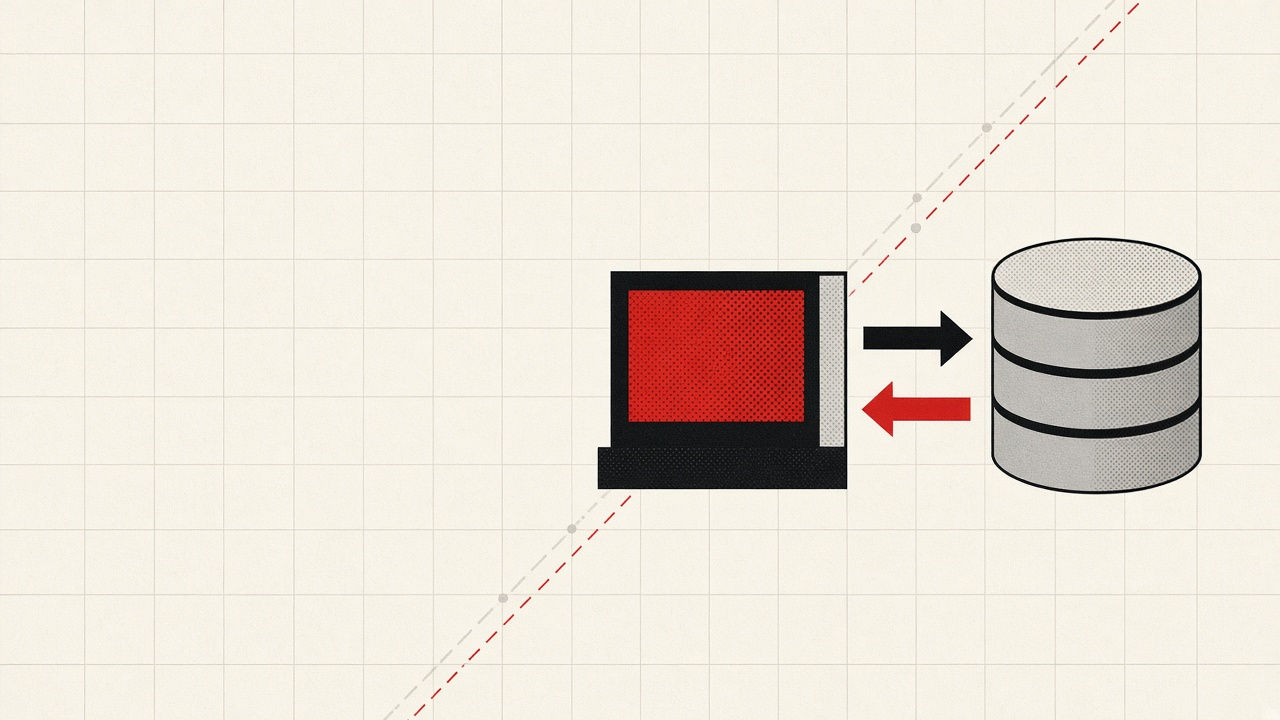
Integration tests should use real databases and real services, not mocks. Mocking your database in integration tests defeats the purpose, you need to know that your queries actually work.
Set up a dedicated test database that gets migrated and cleaned between test runs. Configure Vitest to run database tests serially (not in parallel) to avoid conflicts:
// vitest.config.ts
import { defineConfig } from 'vitest/config';

export default defineConfig({
  test: {
    poolOptions: {
      threads: { singleThread: true }  // Serial execution for DB tests
    },
    globalSetup: './test/global-setup.ts',
    setupFiles: './test/setup.ts',
    testTimeout: 30_000  // Allow for DB operations
  }
});
The cleanest way to get a disposable Postgres is a container. Our Docker guide for web developers covers the compose file I reuse for test databases, including the health check that stops Vitest from racing the database on startup.
The test setup file should truncate tables in dependency order between tests, ensuring each test starts with a clean state. Use factories to create realistic test data with sensible defaults:
// test/factories.ts
export async function createTestUser(overrides: Partial<User> = {}): Promise<User> {
  return db.users.create({
    email: faker.internet.email(),
    name: faker.person.fullName(),
    passwordHash: await hashPassword('test-password'),
    role: 'user',
    ...overrides
  });
}
A good integration test exercises the full stack for a specific operation. For an order service, verify that creating an order deducts inventory, that insufficient inventory rejects the order, and that cancellation restores inventory atomically. These tests catch the bugs that unit tests miss: transaction boundaries, foreign key constraints, and race conditions.
E2E Testing with Playwright
Playwright is the modern standard for E2E testing; it supports all browsers, is faster and more reliable than Selenium, and has excellent auto-waiting.
Focus E2E tests on critical user paths: signup, checkout, password reset, core workflows. Those same flows are where accessibility regressions cost the most, because an unlabeled payment field blocks a purchase outright, and our Playwright and axe-core accessibility testing guide shows how to run those checks in the same CI job. A checkout flow test might look like this:
// e2e/checkout.spec.ts
import { test, expect } from '@playwright/test';

test('user can add item to cart and checkout', async ({ page }) => {
  await page.goto('/products');

  // Add item to cart
  await page.getByTestId('product-card').first().getByRole('button', { name: 'Add to cart' }).click();
  await expect(page.getByTestId('cart-count')).toHaveText('1');

  // Go to checkout and fill payment
  await page.goto('/checkout');
  await page.getByLabel('Card number').fill('4242 4242 4242 4242');
  await page.getByLabel('Expiry').fill('12/28');
  await page.getByLabel('CVC').fill('123');
  await page.getByRole('button', { name: 'Place order' }).click();

  // Verify success
  await expect(page.getByRole('heading', { name: 'Order confirmed' })).toBeVisible({ timeout: 10_000 });
});
Configure Playwright to retry flaky tests in CI, record traces and screenshots on failure, and run against Chromium in CI (all browsers in scheduled nightly runs). This keeps CI under 10 minutes while still catching browser-specific bugs.
How Can I Automate Testing of Web Applications?

Run tests in stages: unit and integration first, E2E only if those pass. Use a PostgreSQL service container in GitHub Actions for integration tests, and seed the database with migrations before running tests. If your team is still formalizing its branching and CI workflow, our Git flow branching strategy guide covers the model these pipelines assume.
The E2E suite should run after unit and integration pass, only on Chromium in CI. Upload Playwright reports as artifacts when tests fail so you can debug without reproducing locally.
Testing Web Applications: Quality Over Quantity
Testing is an investment in deployment confidence. The return is proportional to the quality of the tests, not the quantity. A hundred well-designed integration tests that exercise real system behavior are worth more than a thousand unit tests that mock everything and only verify that your code calls the right mocks.
The teams that test well share these habits:
- They write tests before fixing bugs (reproduce first, then fix)
- They keep test data realistic (factories, not hardcoded IDs)
- They run tests continuously (CI on every PR, not just before releases)
- They treat flaky tests as production bugs (fix or delete, don’t ignore)
- They review test code with the same rigor as production code
That last habit matters more than most teams think. Our clean code principles for 2026 apply to test suites too, where opaque setup and copy-pasted fixtures quietly rot your coverage quality.