Migrating WordPress to EmDash is two projects wearing one name. The first is a content migration: posts, pages, media, authors, and taxonomies move through an importer. The second is a theme and plugin rebuild: your PHP templates, page builder layouts, shortcodes, and plugin behavior do not move at all.
Cloudflare’s importer is good enough that the content side is usually a day or two. The rebuild is where the schedule lives. This guide covers the full path, including the parts that decide whether the migration is worth doing.

What EmDash actually is
EmDash is an open source content management system from Cloudflare, MIT licensed, written in TypeScript and built on Astro. It is at 1.0 after a 0.1 preview in April 2026. Cloudflare says the first version was built in about two months with AI coding agents on top of Astro. The launch post is candid about that history, and the community reaction has been equally candid about the risks.
The architecture matters more than the origin story:
- The public site is an Astro application.
- The admin is a React application served from the same project.
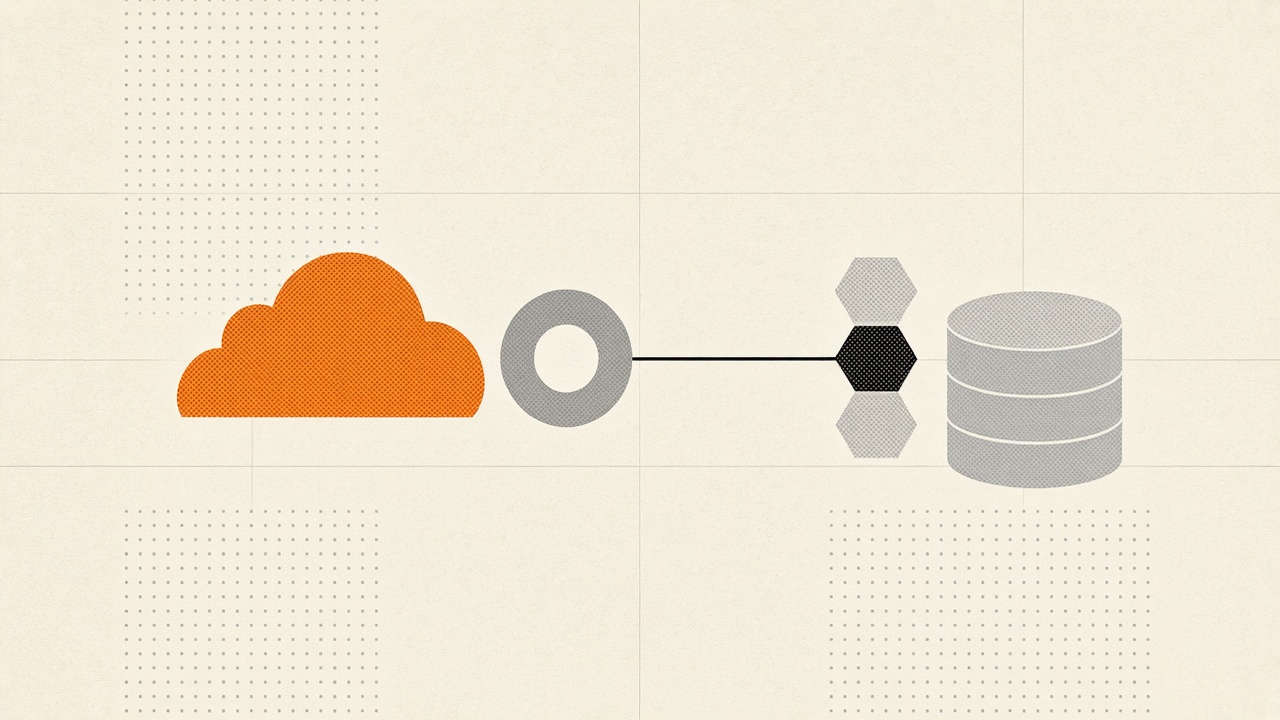
- Content lives in D1 (SQLite) and media lives in R2 when you deploy to Cloudflare.
- You can also run it on Node.js with SQLite if you do not want Cloudflare hosting.
- Plugins run in sandboxed Worker isolates with declared capabilities, not as unrestricted PHP.
- Authentication is passkey-first, with GitHub, Google, and Microsoft providers. Password login is not the default.
What EmDash is not: a WordPress fork, a PHP runtime, a WordPress theme engine, or a visual page builder. The official docs state that it does not run WordPress themes or plugins. That single sentence should shape the entire decision.
The honest cost math
Cloudflare’s pricing is the reason people are interested. The numbers below are the published rates as of November 2026.
| Service | Included | Overage |
|---|---|---|
| Workers Paid | $5 per month, 10 million requests, 30 million CPU milliseconds | $0.30 per million requests, $0.02 per million CPU milliseconds |
| D1 | 25 billion rows read, 50 million rows written, 5 GB storage | $0.001 per million reads, $1 per million writes, $0.75 per GB-month |
| R2 | 10 GB storage, 1 million Class A operations, 10 million Class B operations | $0.015 per GB-month, $4.50 per million Class A, $0.36 per million Class B |
Egress is free on R2. Static assets served by Workers are free and unlimited. For a content site under 100,000 page views a month, the Cloudflare bill is often $5 to $15, plus whatever you pay for email delivery.
A typical WordPress site is not free either. Managed WordPress hosting runs $15 to $60 a month. Premium plugins add $200 to $800 a year. A CDN, image optimizer, forms add-on, and backup service add more. The gap is real, but it is usually $20 to $50 a month, not thousands.
That gap does not pay back a 40-hour rebuild at a typical consulting rate. The case for migrating is stronger when one of these is true:
- You run many sites and the monthly savings compound.
- Your WordPress stack is slow, plugin-heavy, or constantly patched.
- You already build in Astro or TypeScript.
- You want the security model, not just the bill.
- You are launching a new site and can choose the stack before content exists.
If you have a single small blog and no technical time, migrating to save $30 a month is a hobby project, not a business decision. The static site case is stronger when performance and maintenance are part of the return.

Decide whether to migrate at all
| Site type | Fit | Why |
|---|---|---|
| Blog, news, publication | Strong | Content model, SEO, RSS, media, revisions are covered |
| Agency brochure site | Strong | Few plugins, Astro theme is quick to rebuild |
| Documentation site | Strong | Static pages, search, versioned content |
| WooCommerce store | Weak today | DashCommerce exists but is young; checkout risk is high |
| Page builder site | Weak | Elementor, Divi, and WPBakery layouts do not import |
| Membership or LMS | Weak to moderate | Auth exists, but course and subscription logic needs custom work |
| Multilingual site | Moderate | i18n exists, but plugin-specific translation workflows need review |
| Heavy custom PHP | Weak | Every custom plugin is a rewrite |
| Mission-critical uptime | Moderate | You need staging, rollback, and a maintenance plan |
A useful rule: count the plugins that change how the site behaves, not how it looks. If more than five of them are business-critical, the rebuild is a real project. If the site is mostly content and a contact form, it is a week of focused work.
Audit before you touch DNS
The import only moves what WordPress exposes. The audit defines what must survive.
- Back up the database and
wp-content/uploads. Test the restore. - Record the permalink structure, canonical origin, and every active redirect.
- Export a crawl of every public URL with status, canonical, title, meta description, and structured data.
- List post types, taxonomies, custom fields, and ACF groups.
- List plugins by function: forms, SEO, cache, commerce, membership, analytics, email, backups, security.
- List integrations: CRM, email marketing, payment, help desk, analytics events, cron jobs.
- Identify content to keep, merge, redirect, or drop. Migrations are a good time to delete thin pages.
- Measure current Core Web Vitals and conversion events so you can compare after cutover.
Keep the crawl. It becomes the redirect map and the QA checklist.
The import: WXR or the EmDash Exporter
EmDash supports two import paths through the admin at /_emdash/admin/import/wordpress. The migration docs describe both.
| Method | Use it when | What it includes |
|---|---|---|
| WXR upload | You can use WordPress Tools > Export | Posts, pages, custom post types, terms, reusable blocks, authors, attachment URLs |
| EmDash Exporter | You control WordPress and can install a plugin | Authenticated content, settings, SEO fields, taxonomies, media metadata, and with 1.2.0 or later, comments, menus, logo, and favicon |
The WXR file points at media on the old site. It does not contain the image bytes. EmDash downloads them during the media step, so WordPress must stay reachable until that finishes. The importer compares a SHA-1 hash of the bytes, not filenames, so reruns reuse identical files.
The exporter path needs an application password and, on Cloudflare, a WAF exception. Bot protection can answer the exporter with a challenge page. The docs publish the exact skip rule for /wp-json/emdash/v1/ and /wp-content/uploads/. On the Free plan, Bot Fight Mode cannot be skipped by a rule, so it has to be turned off during the import and turned back on afterwards.
What converts, and what does not
publishbecomespublished.draft,pending,private,future,trash, and unknown statuses become drafts. Scheduled dates and visibility rules are not reconstructed.- Gutenberg and classic HTML become Portable Text.
- Server-rendered blocks, such as Latest Posts or plugin blocks, have no saved markup. They import as HTML comments with no content. You rebuild them or remove them.
- WXR does not copy every custom meta key. The analysis suggests fields, but the importer writes the standard fields.
- The exporter can copy ACF and Yoast or Rank Math values when the target collection has matching fields. ACF relationship and image fields keep WordPress IDs, not EmDash IDs, so they need review.
- Custom taxonomies without a matching EmDash definition are reported and skipped.
Verify before cutover
Run these checks while WordPress is still live:
- Entry counts by post type and status.
- A sample of Gutenberg, classic, shortcode, and page builder content.
- Featured and inline images resolve from EmDash URLs.
- Authors, bylines, categories, tags, and custom taxonomies.
- Menus, comments, site identity, and SEO fields if you used the exporter.
- Drafts are not publicly accessible.
- Every old URL either resolves or has a planned redirect.
If an import is interrupted, do not delete WordPress. Rerun the media step, inspect duplicates by collection, slug, and locale, and compare counts. The admin retry matches by slug and locale, not WordPress ID.
Rebuild the theme in Astro
WordPress template hierarchy becomes explicit Astro routes. The WordPress developer guide maps the concepts:
| WordPress | EmDash and Astro |
|---|---|
single.php | src/pages/posts/[slug].astro |
archive.php | src/pages/posts/index.astro |
page.php | src/pages/pages/[slug].astro |
header.php | src/layouts/Base.astro |
the_content() | <PortableText /> |
wp_nav_menu() | getMenu() |
A post route uses getEmDashEntry() and renders Portable Text. A layout renders <EmDashHead> for metadata and JSON-LD. Menus and widget areas are database records, not PHP files.
This is also where most of the budget goes. A custom WordPress theme with 20 templates, a page builder, and a dozen shortcodes is not a weekend port. A clean blog theme is a few days. If you are still weighing headless WordPress against a full CMS rebuild, our headless WordPress guide covers the architecture tradeoffs.
Replace the plugins
There is no one-to-one plugin marketplace. Some functions are built in, some are plugins, and some need a third party.
| WordPress function | EmDash path |
|---|---|
| SEO titles, canonicals, schema | Built in, plus template rendering |
| XML sitemap and robots.txt | Built in |
| Redirects and 404 log | Built in |
| Caching | Workers Cache and KV object cache |
| Forms | EmDash form plugin or an external form service |
| Search | Pagefind, or the AI Search plugin |
| Comments | Built in or a plugin, depending on the template |
| Email delivery | Provider plugin (Resend, Postmark, or SMTP) |
| Analytics | Cloudflare Web Analytics or an external tag |
| Commerce | DashCommerce, still early |
| Backups | D1 Time Travel plus R2 object sync |
| Memberships | Passkeys and providers, plus custom logic |
Check the plugin registry before promising parity. If a plugin is central to the business, confirm the replacement exists before you migrate, not after.
Preserve SEO through the move
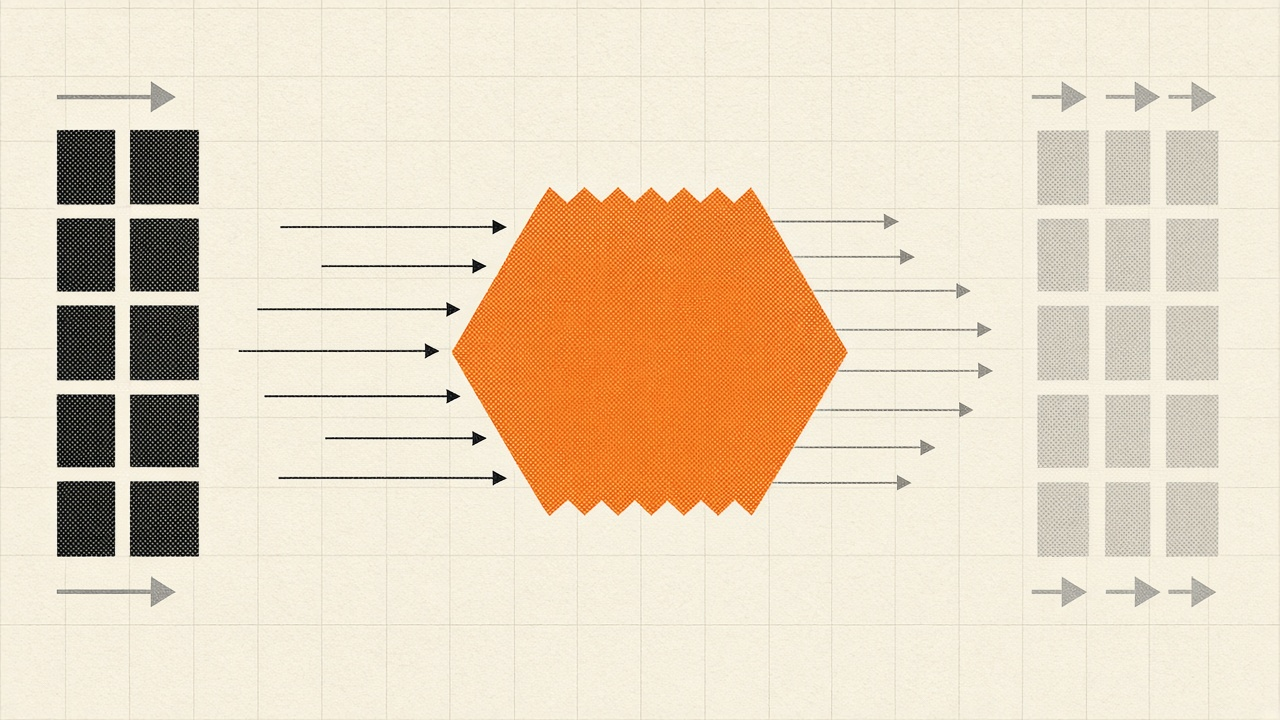
SEO is the part that makes or breaks the project. The goal is simple: every URL that had value before the migration should resolve to the same content, or redirect to the closest equivalent, with one hop.
Keep the URL structure
Do not change permalinks and platform in the same release. Keep the same paths, including trailing slashes, category prefixes, and date archives if they have traffic. EmDash route patterns are explicit, so you can reproduce almost any structure.
Map every changed URL
Build a spreadsheet with old URL, new URL, status, and reason. Use 301 for permanent moves and 410 for pages you intentionally delete. Do not redirect everything to the homepage.
EmDash creates a 301 automatically when a published entry’s slug changes. Its redirect manager supports 301, 302, 307, 308, 410, and 451, with named and catch-all segments. The 404 log records up to 10,000 missed paths so you can fix them after launch.
Carry the metadata
Enable SEO on each collection. The per-entry panel holds the SEO title, meta description, canonical URL, social image, and a noindex switch. <EmDashHead> renders the canonical, Open Graph, Twitter Card, robots, and JSON-LD BlogPosting or WebSite graph.
If you imported Yoast or Rank Math values through the exporter, they arrive as content fields, not SEO panel values. Your template has to render them. Check a sample of posts after the build.
Sitemaps and robots
EmDash serves a sitemap index at /sitemap.xml and child sitemaps at /sitemap-{collection}.xml. Each child holds up to 2,000 entries and continues on numbered pages. Collections with routing disabled stay out. robots.txt allows crawlers, disallows /_emdash/, and references the sitemap.
Submit the new sitemap to Google Search Console and Bing Webmaster Tools before you remove the old one. Keep the old sitemap available during the transition so crawlers can compare.
Images and internal links
The importer rewrites media URLs when it downloads attachments. Check inline images, srcsets, Open Graph images, and any image URLs stored in custom fields. Internal links inside Portable Text may still point at the old domain or old slugs. Crawl the new site and fix them before launch.
Do not change domains at the same time
If you are also moving from example.com to www.example.com or a new domain, do it as a separate step. A platform migration and a domain migration together make it impossible to tell which change caused a ranking drop.
Stage, freeze, cut over, roll back
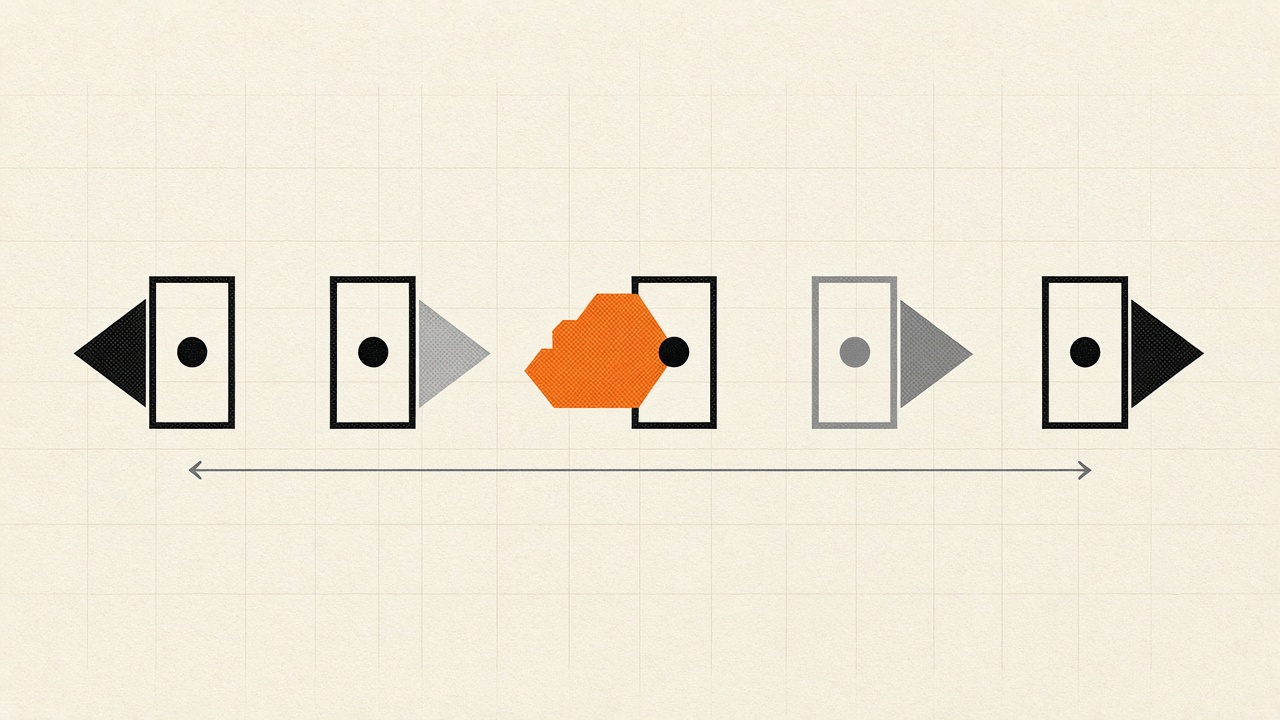
- Lower DNS TTL. Set it to 300 seconds at least 48 hours before cutover. Our DNS records and propagation guide explains propagation and record choices.
- Deploy a preview. Use Worker preview URLs or a hosts-file override. Test the full site before touching production DNS.
- Freeze content. Stop publishing and editing on WordPress, then run the final import and media sync.
- Switch DNS. Point the domain at the Worker. Keep the WordPress site running on its old host or a temporary hostname.
- Verify immediately. Check the homepage, a sample of posts, all redirects, forms, auth, email, feed, sitemap, robots, and checkout if you have one.
- Watch for 72 hours. Monitor 404s, server logs, Search Console, Bing, and conversion events.
- Roll back if needed. DNS back to WordPress, database restored from the pre-cutover backup. Keep WordPress available for at least 30 days.
The cutover is not the end. The first month is when redirect gaps, missing images, and broken forms show up.
Performance and caching
EmDash server-renders pages and queries D1 on request. That is flexible, but it is not automatically fast.
- Enable Workers Cache with the Astro Cloudflare cache provider. Cached requests are served without running the Worker.
- Add the KV object cache to reduce repeated D1 reads for content and settings.
- Use Targeted Placement to run the Worker near the D1 primary. EmDash makes several D1 round trips per request.
- Add indexes for the fields your collections filter and sort on.
- Serve media from R2 with image transformations or a CDN in front.
- Keep interactive widgets as Astro islands. Do not ship the admin bundle to public pages.
The deployment guide covers D1, R2, Cron Triggers, object cache, Workers Cache, custom domains, email, and preview environments in detail. For edge CDN tradeoffs, see our Cloudflare vs Fastly vs Bunny CDN comparison.
Security, auth, and backups
EmDash’s security story is the sandbox. Plugins declare capabilities and run in isolated Workers, so a compromised plugin does not automatically own the whole site. That is a real improvement over unrestricted PHP, but it is not a substitute for patching and least privilege.
- Use passkeys for admin accounts, then add GitHub, Google, or Microsoft providers as needed.
- On Cloudflare, Cloudflare Access can replace EmDash login for protected routes.
- Store secrets with Wrangler or the platform’s secret manager, not in the repository.
- Put WAF rules and rate limits in front of login, forms, and search.
- Keep the admin path out of
robots.txtand behind Access if possible.
Backups need three pieces, not one:
- Database: D1 Time Travel bookmark before any migration or destructive change, plus an offsite SQL dump if you need longer retention. The zero downtime database migrations guide covers the same discipline for schema changes.
- Media:
aws s3 syncfrom R2 to a bucket outside the production account. - Keys: back up
EMDASH_ENCRYPTION_KEYand its rotation list separately. Database exports do not contain it.
Test a restore into an empty environment. An untested backup is a hope, not a recovery plan.
Testing checklist
- Every old URL returns 200 or a single 301 to the right page.
- Canonicals, titles, descriptions, and structured data match or improve.
- Sitemap and robots return 200 and list the right URLs.
- Forms deliver to the right inbox and show the right success state.
- Email login, invites, and password recovery work.
- Comments, if used, render and submit.
- Search returns relevant results.
- Feed and social images resolve.
- Analytics and conversion events fire.
- Core Web Vitals are equal or better on mobile.
- Accessibility checks pass on the new templates.
- 404s are logged and routed to a useful page.
Common failure modes
| Failure | Cause | Fix |
|---|---|---|
| Imported blocks are empty | Server-rendered block had no saved HTML | Rebuild the block in Astro |
| ACF relationships point at old IDs | JSON values keep WordPress IDs | Remap to EmDash entries |
| Media downloads fail | Files are behind auth, deleted, or redirect privately | Make the source public during migration |
| Exporter is blocked | Cloudflare bot protection challenge | Add the documented skip rule or pause Bot Fight Mode |
| Everything is a draft | Source status mapping | Review and publish intentionally |
| Rankings drop after launch | Redirects missing or URLs changed | Compare crawl before and after |
| Scheduled posts do not publish | Cron Trigger or scheduled handler missing | Add both, deploy, check emdash doctor |
| Admin is slow or locked out | Passkey or Access misconfiguration | Test with a second admin before cutover |
A 30/60/90 plan
Days 1 to 30: audit, back up, choose the import path, run a test import, and rebuild the five most important templates. Do not touch DNS.
Days 31 to 60: port plugins, build redirects, migrate media, run the full QA crawl, and set up staging. Publish a few posts on EmDash to test the editorial workflow.
Days 61 to 90: freeze, final import, cutover, monitor, fix 404s, and keep WordPress as a rollback target. After 30 days of stable traffic, retire the old host.
Conclusion
EmDash is a credible WordPress alternative for content sites, and the cost and security arguments are real. It is not a lift-and-shift. The importer handles content; you still rebuild the theme, replace the plugins, and protect the URLs.
Migrate if you have a content-heavy site, Astro or TypeScript skills, and a reason beyond a small monthly saving. Wait if you run WooCommerce, depend on a page builder, or cannot afford a staging and rollback window. The worst outcome is a half-migrated site with broken redirects and no owner.
If you are planning the move, start with the crawl and the plugin inventory. Those two artifacts tell you more about the project than any benchmark.
Sources
- Cloudflare: Introducing EmDash
- EmDash: Migrate from WordPress
- EmDash: Built-in SEO features
- EmDash: Deploy to Cloudflare
- EmDash: Why EmDash
- EmDash GitHub repository
- Cloudflare Workers pricing
- Cloudflare D1 pricing
- Cloudflare R2 pricing
- InfoQ: Cloudflare details its EmDash migration
- The Register: Cloudflare previews EmDash