Building a single prompt-response LLM wrapper is straightforward. Connecting an API to a user interface takes an afternoon. However, the moment your software needs to triage unformatted support tickets, execute multi-step database reconciliations, or debug failing CI/CD builds, hardcoded logic falls apart. Real business operations are filled with ambiguity, missing parameters, and branching decisions that cannot be captured in static if/else statements.
This is where autonomous AI agents provide operational efficiency. An agent uses a foundation model not just as a text generator, but as a central reasoning engine that evaluates inputs, selects discrete software tools, inspects the execution results, and iterates until an explicit goal is accomplished.
This technical guide walks through designing, constructing, and deploying your first production agent workflow. We will break down foundational agent architecture, compare current frameworks, implement defensive tool patterns, and establish the guardrails required to prevent infinite token burn in production environments.
Anatomy of an Autonomous Agent

At its computational core, an autonomous agent executes a cyclic feedback loop commonly structured around the ReAct (Reasoning + Acting) pattern:
                  +-----------------------+
                  |  Task / User Prompt   |
                  +-----------------------+
                              |
                              v
                  +-----------------------+
            +---> |  Reason / Plan Step   | <---+
            |     +-----------------------+     |
            |                 |                 |
     Observation              v            Observation
     (Tool Return)    +-----------------------+  (Tool Return)
            |         | Select & Call Tool(s) | |
            |         +-----------------------+ |
            |                 |                 |
            +------- Execution Output ----------+
                              |
                     Goal State Reached?
                              |
                   [Yes] ---> Final Output
Every production agent system consists of four primary components:
- State & Context Engine: Tracks the conversation history, working scratchpad, tool invocation logs, and persistent memory across execution turns.
- Reasoning Model: A foundation model equipped with structured tool-calling capabilities (such as Claude 3.5 Sonnet, GPT-4o, or Gemini 1.5 Pro).
- Tool Registry: A set of atomic, deterministic functions exposed to the model via JSON Schema specifications (e.g., SQL query runners, CRM lookups, API webhooks).
- Execution Runtime & Safety Loop: Orchestrates execution turns, enforces hard token and step limits, handles network timeouts, and intercepts destructive operations for human authorization.
For a foundational breakdown comparing standalone assistants to fully autonomous agents, review our analysis on AI agents vs AI assistants for business.
Selecting the Right Framework in 2026

While you can write a raw agent loop in vanilla Python or TypeScript with 60 lines of code, mature frameworks provide state persistence, retry logic, streaming telemetry, and pre-built integrations.
| Framework | Primary Architecture | Best Use Case | State Persistence | Complexity Curve |
|---|---|---|---|---|
| LangGraph (LangChain) | Directed Cyclic Graph (StateGraph) | Enterprise production workflows, fine-grained cyclic control | Built-in checkpointers (Postgres, SQLite, Redis) | Moderate to High |
| CrewAI | Role-based multi-agent orchestration | Task delegation across specialized persona teams | In-memory / ChromaDB storage | Low to Moderate |
| Microsoft AutoGen | Event-driven multi-agent conversation | Code generation, iterative multi-agent debate | File-based / CosmosDB | Moderate |
| Model Context Protocol (MCP) | Open client-server tool protocol | Modular tool decoupling across different IDEs and agents | Client-managed | Low |
1. LangGraph
If you are building a mission-critical workflow with complex branching, human-in-the-loop checkpoints, and strict rollback requirements, LangGraph documentation represents the current industry standard. By modeling agent execution as a state machine where nodes represent functions and edges represent conditional transitions, you avoid unpredictable black-box loops.
2. CrewAI
For workflows that mirror human organizational departments (such as a researcher agent drafting notes that a writer agent compiles and an editor agent checks), CrewAI provides intuitive role, goal, and backstory abstractions that accelerate prototyping.
3. Model Context Protocol (MCP)
Developed as an open standard by Anthropic, MCP separates tool providers from model runtimes. Rather than writing custom integration code for every internal database, you write a standalone MCP server once and allow any compliant agent client to consume it. To get started connecting tools locally, follow our guide on how to install MCP servers in VS Code.
Step-by-Step Implementation: Building a Triage Agent
Let us construct a practical customer operations agent using Python and LangGraph. This agent inspects inbound customer inquiries, checks user tier in a database, extracts sentiment, and drafts an account-specific resolution.
Step 1: Environment Setup and Tool Registration
First, install the core runtime dependencies:
pip install langchain-anthropic langgraph pydanticDefine deterministic, type-safe tools using Pydantic schemas:
from typing import Dict, Any, List
from langchain_core.tools import tool
from pydantic import BaseModel, Field

class CustomerLookupInput(BaseModel):
    email: str = Field(description="The customer's primary email address.")

@tool("lookup_customer_record", args_schema=CustomerLookupInput)
def lookup_customer_record(email: str) -> Dict[str, Any]:
    """Retrieves customer subscription tier, spend, and open ticket status."""
    # Simulated database lookup
    database = {
        "[email protected]": {"tier": "Enterprise", "arr": 48000, "sla_hours": 2},
        "[email protected]": {"tier": "Growth", "arr": 3600, "sla_hours": 12},
    }
    return database.get(email, {"tier": "Free", "arr": 0, "sla_hours": 48})

@tool("query_knowledge_base")
def query_knowledge_base(query: str) -> str:
    """Searches technical product documentation for error codes and solutions."""
    return "Error 504 indicates an upstream gateway timeout on worker clusters. Solution: scale pool replicas."
Step 2: Constructing the State Machine Graph
Define the shared state object and the execution loop:
from typing import Annotated, TypedDict
from langchain_anthropic import ChatAnthropic
from langgraph.graph import StateGraph, START, END
from langgraph.graph.message import add_messages
from langgraph.prebuilt import ToolNode, tools_condition

class AgentState(TypedDict):
    messages: Annotated[List[Any], add_messages]

tools = [lookup_customer_record, query_knowledge_base]
llm = ChatAnthropic(model="claude-3-5-sonnet-20241022", temperature=0).bind_tools(tools)

def reasoner_node(state: AgentState) -> Dict[str, Any]:
    """Evaluates conversation state and decides whether to call tools or respond."""
    response = llm.invoke(state["messages"])
    return {"messages": [response]}

# Build the execution graph
builder = StateGraph(AgentState)
builder.add_node("agent", reasoner_node)
builder.add_node("tools", ToolNode(tools))

builder.add_edge(START, "agent")
builder.add_conditional_edges("agent", tools_condition)
builder.add_edge("tools", "agent")

app = builder.compile()
If your architecture handles sensitive operational data or personal customer information, review our guide on AI privacy risks and provider comparison before connecting production database endpoints to external models.
Implementing Defensive Guardrails

Unsupervised agents with write permissions to APIs will eventually fail in unexpected ways. Defensive engineering requires enclosing every agent in three protective layers.
1. Hard Step and Token Budgets
Never allow an agent to run an open-ended while loop without an execution ceiling. When an agent enters a self-referential failure loop, it will consume tokens until context limits are reached.
To prevent runaway billing and compute exhaustion, study the failure post-mortem in our report on unsupervised AI agent runaway loops.
# Enforcing step bounds in runtime execution
MAX_EXECUTION_TURNS = 6

def execute_with_bounds(graph, initial_input):
    config = {"recursion_limit": MAX_EXECUTION_TURNS}
    try:
        return graph.invoke(initial_input, config=config)
    except Exception as e:
        # Graceful fallback to human escalation queue
        return {"error": "Execution step limit reached. Routing to human support lead."}
2. Read-Only Defaults vs. Human Interlocks
Separate your tools into two risk classes:
- Autonomous Tools (Read-Only): Database queries, documentation searches, log lookups, metric checks.
- Interlocked Tools (Mutating / Destructive): Refund processing, account deletion, outbound customer emails, production config deployments.
Mutating tools must pause the execution graph, store the proposed payload in a pending state, and wait for human webhook approval before firing.
3. Structured Output Schema Validation
Large language models occasionally hallucinate malformed arguments when calling tools. Enforce strict Pydantic parsing with automated self-correction feedback:
from pydantic import ValidationError

def safe_tool_executor(tool_fn, raw_args):
    try:
        validated_params = tool_fn.args_schema(**raw_args)
        return tool_fn.invoke(validated_params)
    except ValidationError as err:
        return f"Error: Tool argument schema violation: {err.json()}. Re-read the tool documentation and retry."
Staged Deployment Pipeline: From Sandbox to Production
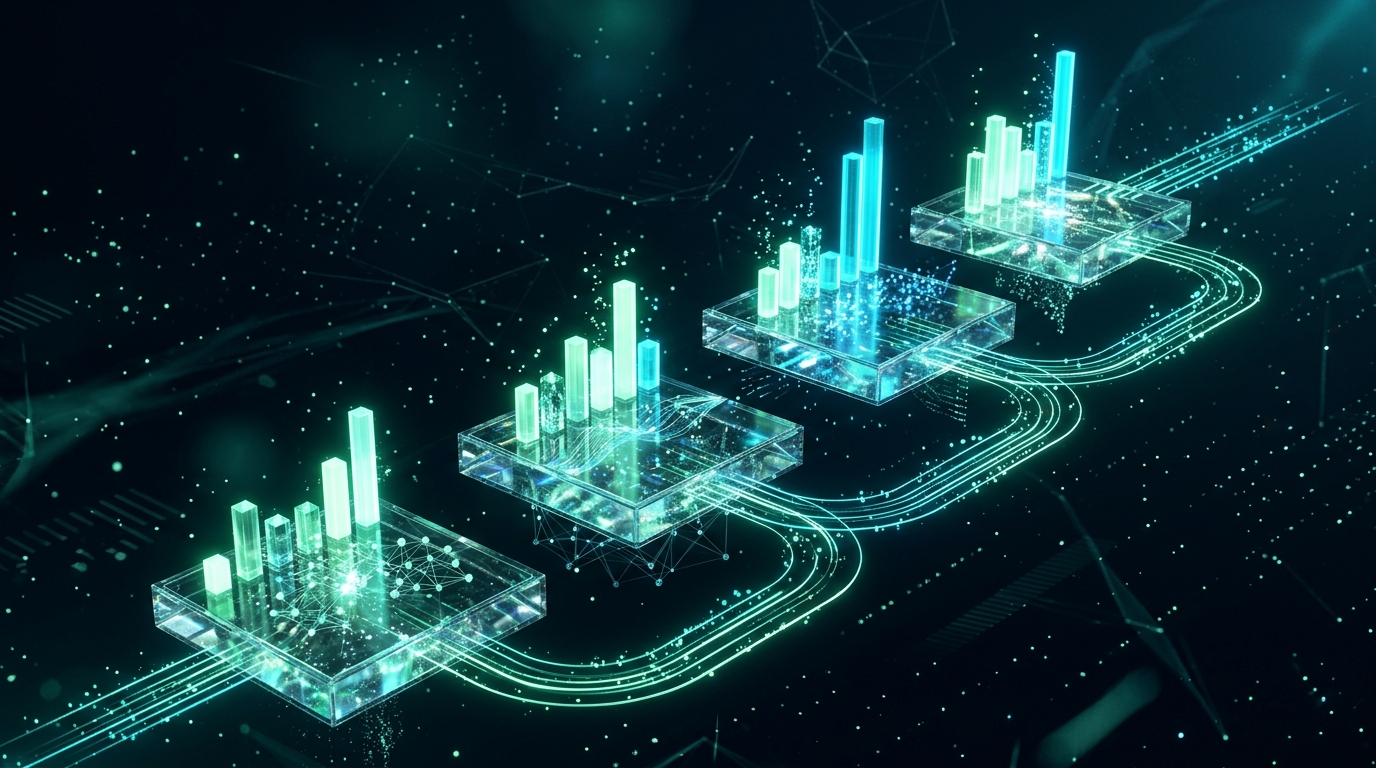
Do not deploy autonomous agents directly into production write paths. Follow a 4-stage progression:
Stage 1: Shadow Mode (Passive Log Ingestion)
  --> Stage 2: Human-in-the-Loop (Interactive Proposal Approval)
    --> Stage 3: Low-Risk Automation (Guarded Operational Autonomy)
      --> Stage 4: Continuous Telemetry & Evaluation
Stage 1: Shadow Execution (Weeks 1 to 2)
The agent receives production input streams (such as incoming tickets or server alerts), generates execution plans and tool arguments, and records its outputs to an audit database. No external API calls are fired. Compare the agent’s proposed actions against human staff decisions to measure precision.
Stage 2: Human-in-the-Loop (Weeks 3 to 4)
The agent operates within internal team interfaces (like Slack or an internal admin dashboard). When a customer ticket arrives, the agent drafts the response and renders a single-click “Approve & Send” button for human operators.
Stage 3: Bounded Autonomy (Weeks 5 to 8)
Grant the agent autonomous execution authority for low-risk, deterministic branches (such as Tier 1 password resets or knowledge base lookups) while routing ambiguous queries or high-value accounts directly to human leads.
For broader architectural patterns spanning multi-step engineering pipelines, review our breakdown on AI agent orchestration for multi-step workflows.
Operational Checklist for Developers
Before deploying your first autonomous workflow into staging environments, verify every item on this operational checklist:
- Single-Purpose Tools: Every tool performs exactly one atomic function with deterministic JSON schemas.
- Recursion Limits: Graph runtime enforces hard step ceilings (
recursion_limit <= 10). - State Checkpointing: Graph state is persisted to an external datastore (Postgres / Redis) for replayability.
- Destructive Action Interlocks: Any data deletion or external communication requires authenticated human sign-off.
- Fallback Paths: Clear exception handling redirects failed or cycling workflows to human staff queues.
- Observability Traces: Every model thought, tool call argument, latency metric, and token count is logged to OpenTelemetry or LangSmith.
Conclusion
Autonomous AI agents mark a fundamental shift in software engineering. By combining the probabilistic reasoning of modern foundation models with deterministic API tool chains, developers can automate complex, ambiguous operational workflows that previously required manual human labor.
Start by scoping a small, low-risk project with clear success metrics. Build atomic, defensive tools, enforce hard recursion limits, and maintain human interlocks on all destructive actions. Once your foundation is validated, you can systematically expand the agent’s autonomy and tool registry.
Focus on building reliable tool contracts, validating inputs, and measuring real-world accuracy. The developers who succeed with agents in 2026 are not those who remove humans entirely, but those who design reliable, well-bounded systems that make technical teams dramatically more productive.