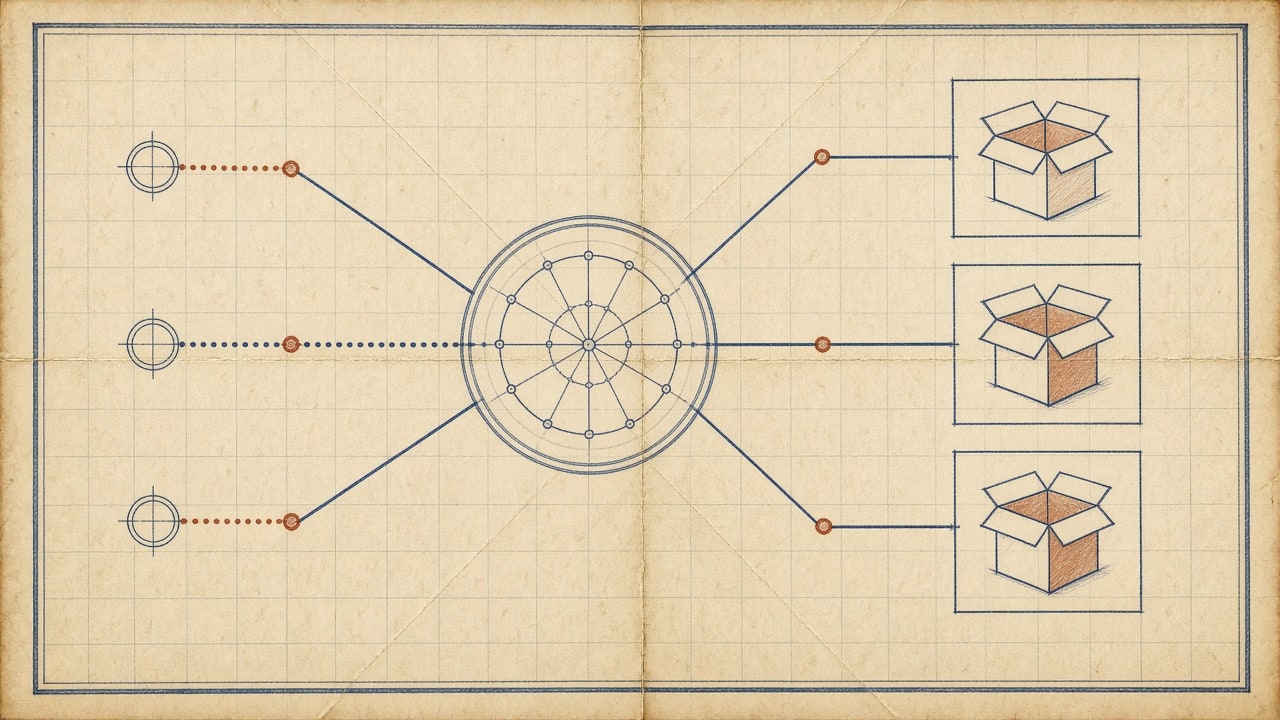
AI product recommendations for a small business cost $30 to $500 a month, and a store doing under 5,000 orders a month can start at $0 using the engine already built into Shopify or WooCommerce. The paid money goes to targeting, not to the recommendation itself: Klaviyo runs about $20 to $60 a month for recommendations inside email and SMS, a personalization platform like Nosto sits near $300 to $500, and enterprise engines such as Algolia or Bloomreach start above that and climb quickly. Your time is the other line, usually two to three days of setup and an hour a week of review. The spend is small enough that the only real question is whether the lift shows up.
I have watched a small outdoor gear store add a “Complete the kit” block to product pages and lift average order value 14 percent in 60 days. I have also watched a store install the same widget and get nothing, because the catalog had duplicate products, missing images, and half the inventory marked out of stock. The tool was identical in both cases. The data was not.
Below is what each tier actually costs, what drives the number up, where recommendation blocks belong, and the 30-day pilot I use before recommending anyone pay for personalization.
What AI product recommendations cost a small business
Four tiers cover almost every store. The jump between tier one and tier two is small. The jump to tier three is where you need evidence that the cheaper option has stopped working.
| Tier | What it is | Monthly cost | Best for |
|---|---|---|---|
| Native engine | Shopify Search and Find, WooCommerce recommendations | $0 | Stores under 5,000 orders a month |
| Email and SMS add-on | Klaviyo, Omnisend recommendation blocks | $20 to $60 | Stores already running flows |
| Personalization platform | Nosto, Rebuy, LimeSpot | $300 to $500 | Catalogs above 500 SKUs with steady traffic |
| Enterprise | Algolia, Bloomreach | $1,000 and up | Multi-region stores with search teams |
The $30 figure in the headline range is what most small stores pay once they add a recommendation block to an existing email tool or buy a $30 plugin. The $500 end is a personalization platform plus a developer to install it.
Setup labor is the hidden line. A native engine is a toggle. A third-party platform means installing a script, mapping the catalog feed, defining which collections map to which recommendation type, and testing on mobile. That is two to three days for a competent developer, or one very focused week for an owner doing it themselves. At $100 an hour, a day of dev work is $800, which is often more than the first year of software.
Why recommendations pay for themselves
The math is simple and unforgiving. A store doing 1,000 orders a month at an $80 average order value turns over $80,000. A 10 percent lift in average order value on the same traffic adds $8,000 a month. Even at the top of the platform range, that is a 3,500 percent return on the software line.
The catch is that lift comes from traffic quality and catalog fit, not from the widget. Stores with narrow catalogs, one product per category, or mostly single-item purchases have little to cross-sell. Stores with consumables, accessories, bundles, or the same customer buying repeatedly have the most room.

If your average order value is already above $200 and your products have no natural complements, a recommendation engine is the wrong first investment. Fix product pages and checkout before paying for personalization.
What is the best AI tool for a small business store?
The best tool for a small store is the one already inside your platform, until the platform’s engine runs out of options. That order matters, because most stores overspend on software before they have the traffic to make it work.
Shopify. The built-in recommendation engine covers related products and complementary products. Enable it in your theme and it costs nothing. The limitation is control: you get the platform’s logic and placement, not custom logic per collection.
Klaviyo. Recommendation blocks inside email and SMS keep the suggestion following the customer after they leave the site. This is the highest-return paid layer for most stores, because abandoned-browse and abandoned-cart flows are where recommendations do the most work. Our guide to AI email automation for small business covers how to point those flows at the same behavioral data.
Nosto and Rebuy. These add on-site personalization beyond the platform default: different blocks per visitor segment, automatic bundle logic, and A/B testing built in. Worth the $300 to $500 once you have enough traffic for segments to be statistically real.
Algolia and Bloomreach. Search and merchandising platforms with recommendation modules. If you are evaluating these, you already know why. They are not a first purchase.
One practical test before you upgrade: check whether your platform’s native recommendations are actually enabled and placed. I have found stores paying for personalization while the free block sat switched off in the theme settings.
The three recommendation logics
Most engines combine three approaches. Knowing which one is doing the work tells you what data to fix.
Behavioral. If shoppers who bought item A also bought item B, the engine recommends B to the next person viewing A. This needs purchase history at a volume your store may not have yet. Under a few hundred orders a month, behavioral signals are thin, and the engine falls back to bestsellers.
Content-based. The engine matches product attributes: same material, same color family, same category, compatible sizes. This works on day one, which is why it carries most small stores. It depends entirely on clean product data.
Session-based. The engine reads what this visitor clicked in the current visit and adapts in real time. It works with no history, so new visitors get relevant suggestions instead of a generic list.
Start with content-based for reliability and add behavioral once order volume makes the patterns real. Session-based shines on high-traffic catalogs with quick browse abandonment.
Where the recommendation blocks go
Placement changes results more than the algorithm does. Four positions do most of the work, in this order of return.
Product pages. Related and complementary items. Highest-intent position and the easiest to justify. Two to four items per block converts better than ten.
Cart and checkout. Add-ons and upgrades at the moment of decision. Keep it to one block, and never place it in a way that delays the checkout button.
Post-purchase thank-you page. Cross-sells after the order is paid. No risk to conversion, and the customer is still in a buying mindset.
Email and SMS flows. Browsed-but-did-not-buy, abandoned cart, and post-purchase sequences. Recommendations here do more total revenue than on-site blocks for most small stores, because they reach customers who already left.
Do not stack five blocks on a product page. Two well-placed blocks beat six competing for attention, and page speed pays the bill for the extras.
How do you price AI recommendations?
Work backward from catalog and traffic, not from the vendor’s pricing page. Four things move the number.
Catalog size. Under 500 SKUs, the native engine and clean attributes are enough. Above 500, content-based matching needs real product data work, and that is where the hours go.
Traffic. Personalization platforms price on sessions or page views. A store under 50,000 monthly sessions rarely clears the statistical bar for segmented personalization. Below that, buy email recommendations instead.
Data cleanliness. Duplicate SKUs, missing images, wrong categories, and stale inventory all degrade output. Budget a data cleanup before the platform, not after.
Who installs and maintains it. A platform installed badly performs worse than a native engine installed well. If nobody on your team will review performance monthly, price in a retainer before you price in software.
A realistic first-year budget for a store doing 20,000 monthly sessions with a 600-SKU catalog: $0 to $300 in software depending on tier, $800 to $1,600 in setup labor, and about 12 hours a year of review. If a vendor quotes you $10,000 to get started, ask what specifically costs that much.
A 30-day pilot that proves lift
Do not roll recommendations across the whole catalog. Run one placement for 30 days and compare against the previous 30 days, with a check that traffic mix did not change.
- Pick one high-traffic category and one placement. Product pages, related products, two to four items.
- Clean the data for that category only. Titles, images, stock status, categories, and price.
- Add guardrails: in stock only, same category or a declared complement, within a sensible price band.
- Run for 30 days without changing anything else in the store.
- Compare average order value, conversion rate, revenue per session, and click-through on the block.
The metric that matters is revenue per session, not click-through. A block that gets clicked and does not convert is decoration.
If the pilot wins, expand to cart and email next. If it does not, fix data before you blame the engine. The most common cause of a failed pilot is a catalog that cannot support good matches.
Measuring recommendation cost and lift
Track four numbers monthly: average order value, conversion rate, revenue per session, and the percentage of orders that include a recommended item. The last one is the cleanest signal that recommendations are actually attached rather than displayed.
Use your platform’s A/B testing where it exists, and avoid comparing different months without normalizing for traffic source mix. A seasonal traffic shift can look like a recommendation win. For a broader method, our framework for measuring AI ROI in a small business applies directly to this decision.
Common mistakes to avoid
Recommending what is already being bought. Suggesting an item in the cart or a product the customer just purchased reads as broken. Exclude current cart contents and recent orders.
Showing out-of-stock items. The fastest trust killer on a store. Filter recommendations to in-stock products at render time, not in a nightly job.
Too many options. Two to four per block. Ten options is a category page pretending to be a recommendation.
Ignoring mobile. Most ecommerce traffic is mobile. A block that shifts layout or delays load hurts more than it helps.
Setting it and forgetting it. Catalogs change, seasons shift, behavior moves. Monthly review is the difference between a system that improves and one that decays.
Data, privacy, and accessibility
Recommendations run on behavior data, which means tracking. Keep cookie consent and privacy disclosures current, and review the small business cybersecurity checklist before you widen what you collect or connect a third-party script to checkout. The ecommerce analytics dashboards guide covers what to instrument so the recommendation data and the reporting agree.
Accessibility is the other gate. Recommendation carousels are a common source of WCAG failures: auto-advancing content, missing labels, invisible focus states, and prices announced as unlabeled text. Our WCAG accessibility guide covers the requirements, and any new block should be tested with a keyboard and a screen reader before launch. A recommendation carousel that traps focus is worse than no carousel.
Conclusion
AI product recommendations cost $30 to $500 a month for a small store, and most should start at $0 with the engine already in their platform. Clean the catalog, place two blocks where intent is highest, run a 30-day pilot on one category, and measure revenue per session rather than clicks. Upgrade to a personalization platform only when traffic and catalog size make segments real.
If you run a store and want the placement, data cleanup, and tracking built properly the first time, our ecommerce website development team does this work, usually starting with the pilot above so the spend is justified before the build.