
Most small businesses assemble their tech stack reactively. Someone needs a tool, they sign up, and gradually a fragmented collection of overlapping subscriptions accumulates. Three years in, there’s a $2,400/month SaaS bill, six different places where customer information lives, and nobody can remember which tool is authoritative for what.
Building a coherent stack from scratch, or auditing and consolidating an existing one, is one of the highest-leverage operational improvements a small business can make. The goal is the minimum number of well-integrated tools that handle every critical business function. Not the most thorough tools, and not the cheapest, but the best fit for how your specific business operates.
The Categories You Actually Need
Every small business needs coverage in these areas:
- Communication: Email, video calls, team messaging
- Project and task management: Work tracking, deadlines, accountability
- CRM and sales: Contact management, pipeline, follow-ups
- Finance and accounting: Invoicing, expense tracking, tax preparation
- Document and file management: Storage, collaboration, version control
- Customer support: Ticket management, shared inbox
- Marketing: Email campaigns, analytics, social
- Analytics: Website traffic, conversion tracking
The mistake is treating each category as independent. Tools that share data natively are worth a premium over cheaper tools that require manual sync or Zapier workarounds.
Communication Stack
Email: Google Workspace ($7/user/month) is the default recommendation for most businesses. You get Gmail, Drive, Docs, Sheets, Meet, and Calendar in one subscription with strong security and admin controls. Microsoft 365 ($6/user/month Business Basic) is the right choice if your team is Windows-native and already in the Microsoft ecosystem.
Team messaging: Slack (Free or Pro at $8.75/user/month) for teams that communicate heavily. Discord is free and works for small teams with informal cultures. If you’re on Google Workspace, Google Chat is included and adequate for light use.
Video: Google Meet (included with Workspace) or Zoom ($15.99/month for Pro) for external calls. For internal video, use whichever messaging platform you’re already in.
Avoid: Multiple overlapping video tools (Teams AND Zoom AND Meet), email outside a managed domain (free Gmail for business email looks unprofessional and lacks admin controls).

Project Management
Linear ($8/user/month) for engineering-driven businesses. Exceptional developer experience, fast, opinionated workflow with issues, cycles, and roadmaps.
Notion ($10/user/month) for knowledge-heavy businesses. Combines project management with a powerful wiki and database system. Higher setup cost, higher long-term value once configured.
Asana ($10.99/user/month) for operationally complex businesses. Better for managing recurring processes, approvals workflows, and cross-functional projects.
The trap: Notion is often adopted as a project management tool by businesses that actually need structured task management. Notion’s flexibility makes it powerful for knowledge management; it makes it underpowered for task tracking compared to dedicated tools.

Finance and Accounting
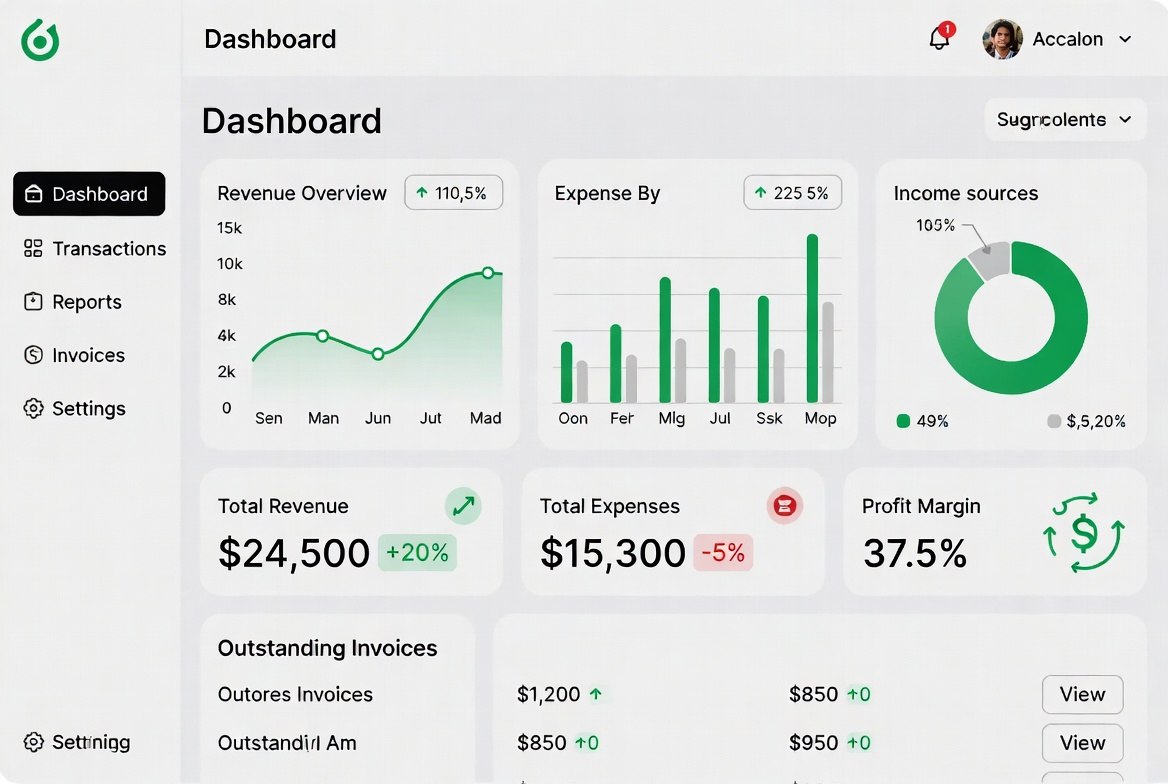
QuickBooks Online ($30-90/month) is the default for US small businesses. The accountant ecosystem expects it. If you’re working with a CPA, ask which platform they prefer before choosing.
Xero ($15-78/month) is the better product (cleaner UI, better bank reconciliation) and the right choice for businesses outside the US or those comfortable with a bookkeeper who works in Xero.
Wave (free) works for very simple businesses, freelancers and solo operators with straightforward income/expense tracking.
Never mix: personal and business finances in the same bank account. The accounting confusion costs far more than a business checking account fee.
CRM
For a detailed comparison see our guide to choosing a CRM for small business. At a stack-building level:
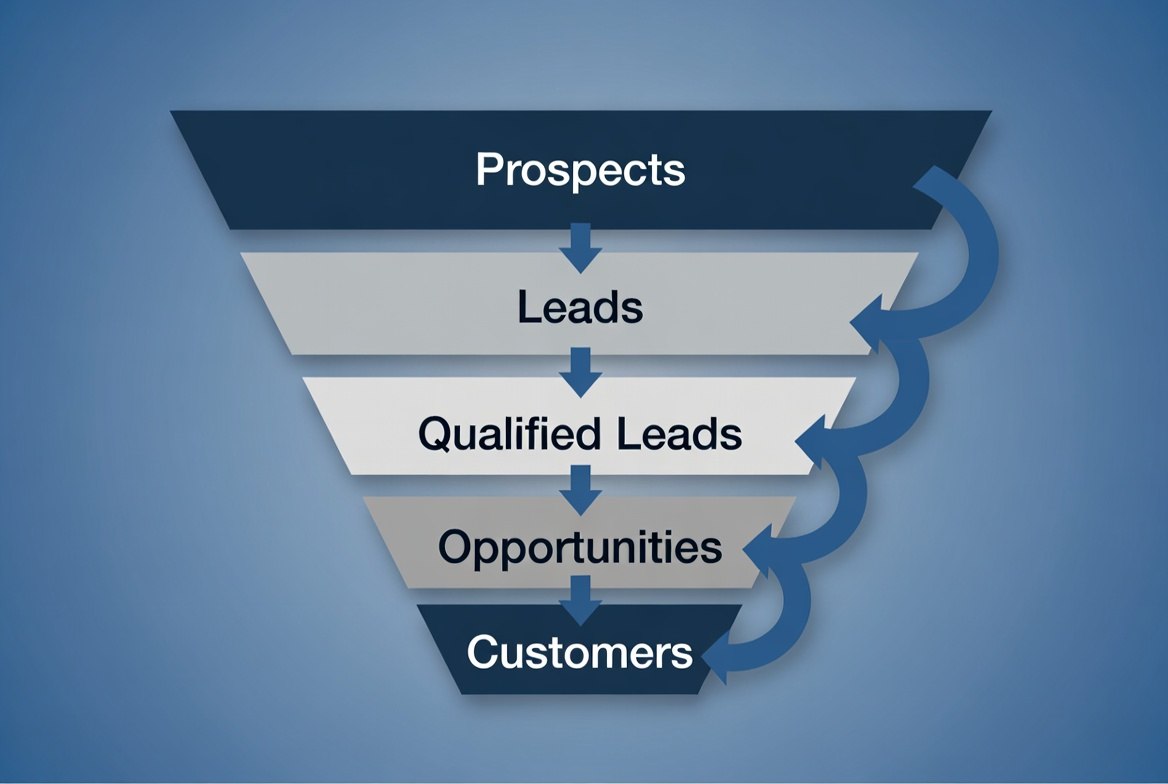
- B2B sales with a pipeline: Pipedrive ($14-29/user/month)
- Inbound + marketing integration: HubSpot (Free to start)
- High-volume inside sales: Close ($49+/user/month)
- Budget-constrained: Zoho CRM ($14/user/month)
Customer Support
Intercom ($74+/month) for SaaS and digital businesses. Live chat, customer messaging, knowledge base, and automated support flows in one platform. The AI features (Fin AI agent) have dramatically improved.
Freshdesk (Free to $35/agent/month) for businesses that primarily work via email tickets. Solid feature set, competitive pricing at scale.
Help Scout ($20/user/month) for teams that want a shared inbox experience that feels like email. Minimal UI, fast, excellent for small support teams.
Marketing and Email
Postmark ($15/month for 10k messages) for transactional email. Outstanding deliverability, excellent developer experience.
Mailchimp (Free to $135+/month) for marketing email. The most widely integrated platform.
Loops ($49+/month) for SaaS product email. Built specifically for product-triggered email sequences.
Analytics: Plausible ($9/month) for privacy-first analytics that needs no cookie consent banner. Google Analytics 4 (free) for businesses that need deeper funnel analysis and can manage the cookie consent complexity.
The Integration Question
Before committing to any tool, map out how it integrates with the rest of your stack:
Data flow to audit:
- New customer → CRM → accounting (create invoice)?
- New invoice paid → CRM (update deal status) → project management (create onboarding task)?
- Support ticket → CRM (log interaction)?
- Marketing email → CRM (track engagement)?
Native integrations (built-in, no middleware) are significantly more reliable than third-party integrations via Zapier or Make. HubSpot’s native integrations with Stripe, Salesforce, and major email platforms are part of its value proposition. Verify native integration quality. Not just that a connector exists, but that it syncs the specific data you need in the direction you need it.
Total Cost Benchmarks
Lean stack (1-5 people):
- Google Workspace: $35/month (5 users)
- Pipedrive Key: $70/month (5 users)
- Xero Starter: $15/month
- Plausible: $9/month
- Postmark: $15/month
- Total: ~$145/month
Growth stack (5-15 people):
- Google Workspace Business Standard: $180/month
- HubSpot Starter + Sales Starter: $150/month
- Asana Premium: $120/month (12 users)
- QuickBooks Plus: $65/month
- Intercom Starter: $74/month
- Postmark + Mailchimp: $60/month
- Plausible: $19/month
- Total: ~$670/month
These are starting points. Actual costs vary by team size and feature tier. The key is reviewing the full stack together rather than evaluating each tool in isolation. A $30/month tool that eliminates a $100/month tool plus two hours of weekly manual data entry pays back significantly.
Audit Your Existing Stack
If you’re auditing rather than building from scratch:
- List every active subscription and its monthly cost
- Document who uses each tool, how often, and for what
- Identify overlaps (two tools doing the same job)
- Identify gaps (manual processes that a tool could automate)
- Identify integration friction (data entered twice, or manually transferred)
Most businesses that go through this audit find 2-3 tools they can consolidate, 1-2 they can cancel entirely, and 1 critical gap they hadn’t recognized.

Don’t Forget Your Website
Every tool in this stack depends on one foundation: your website. It’s where customers find you, where conversions happen, and where your analytics, CRM, and marketing tools all point. A slow, outdated, or non-compliant website undermines everything else in your stack.
If your site still runs on WordPress with a half-dozen plugins, monthly hosting fees, and speed issues that hurt your search rankings, you’re paying a hidden tax on every other tool you use. Static sites built with modern frameworks load faster, cost less to host, and eliminate the maintenance overhead that drags down small business operations. For businesses that need to move fast without a dedicated dev team, the right architecture choice matters as much as any SaaS subscription.
Veduis builds fast, modern websites for small businesses using Astro and React - zero monthly hosting costs, sub-second load times, and no plugin maintenance. If your website is the weak link in your tech stack, get in touch and we’ll show you what’s possible.